44 EN/11.2018/G67C © STULZ GmbH – all rights reserved
wib8000 original instructions
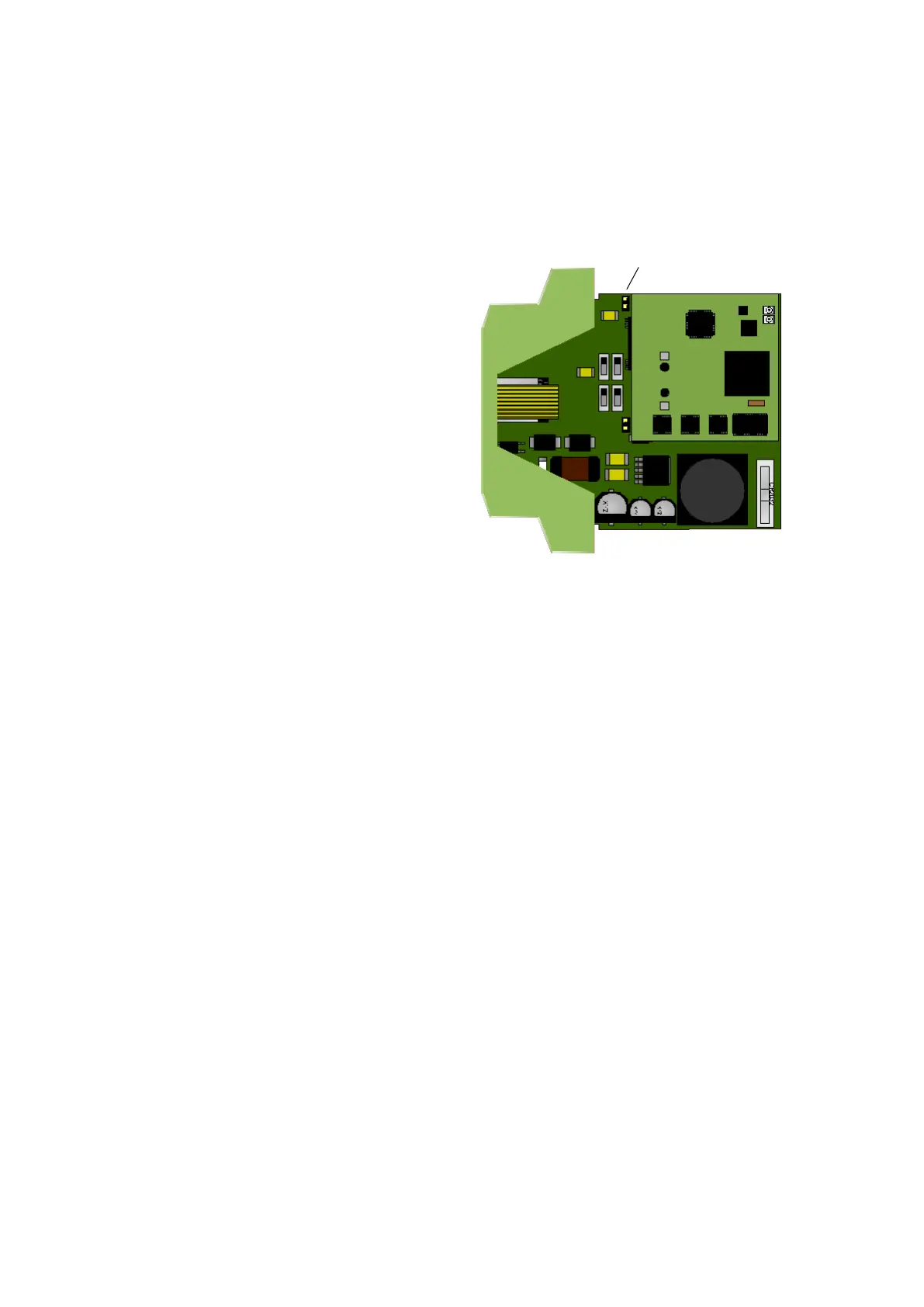
In case you forgot the password of the Config level or if network settings have been changed, so that the
WIB8000 can not be reached via the LAN anymore, you can reset the WIB to the factory setting by a jumper
on the board.
The steps in detail:
- switch off the WIB
- open the box
- set jumper J5
- close the box
- switch on the WIB
- wait until green LED "ready“ is permanently lit
- switch off the WIB
- open the box
- remove jumper J5
- close the box
- switch on the WIB
A3. Factory Reset
Jumper J5



 To Next Page