46 EN/11.2018/G67C © STULZ GmbH – all rights reserved
wib8000 original instructions
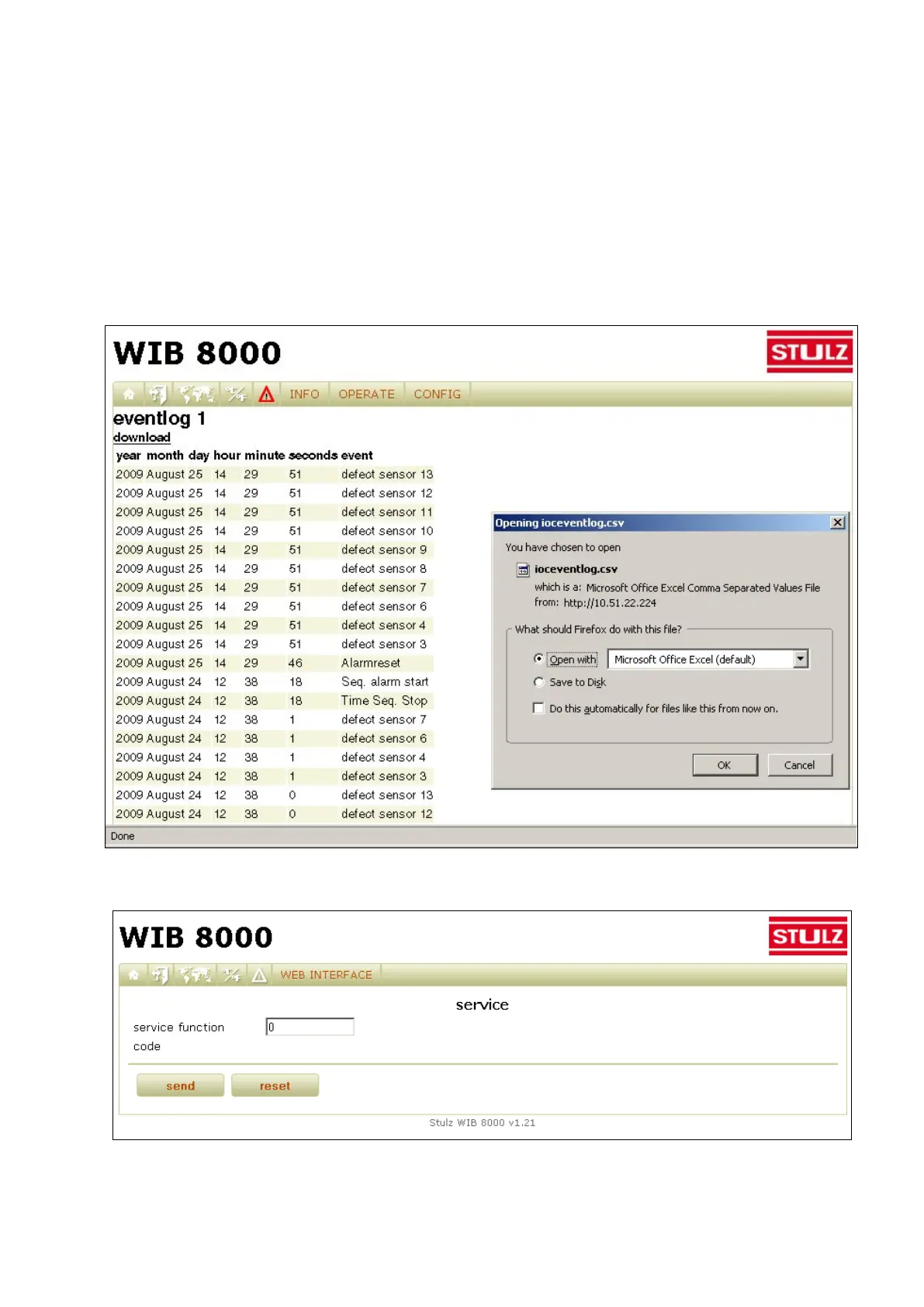
By menu "Info/Events/Part 1 ...Part 4" the eventlog of a connected unit can be displayed. To keep the time
of establishing the eventlog short, the eventlog is subdivided into four parts. Part 1 contains the recent 50
events, part 2 contains 50 events before the recent 50 events etc..
The list of events can be saved in the form of a csv file with the possibility to send it to the technical support of
Stulz.
These files automatically receive the file name "ioceventlog.csv". If you download several parts think of rena-
ming the files as e.g. "ioceventlog_part1.csv".
When the eventlog is sent via email (automatically or manually by the download dialogue) all data in the event-
log is deleted. When the web page is saved the data in the eventlog is maintained.
Special functions (Menu: Web Interface/Service/Special functions)
With the menu "Web Interface/Service/Special functions" you can solve problems by typing in a four-digit
code. The code can be obtained from the technical support after the problem has been described.



 To Next Page