5-12 Audio
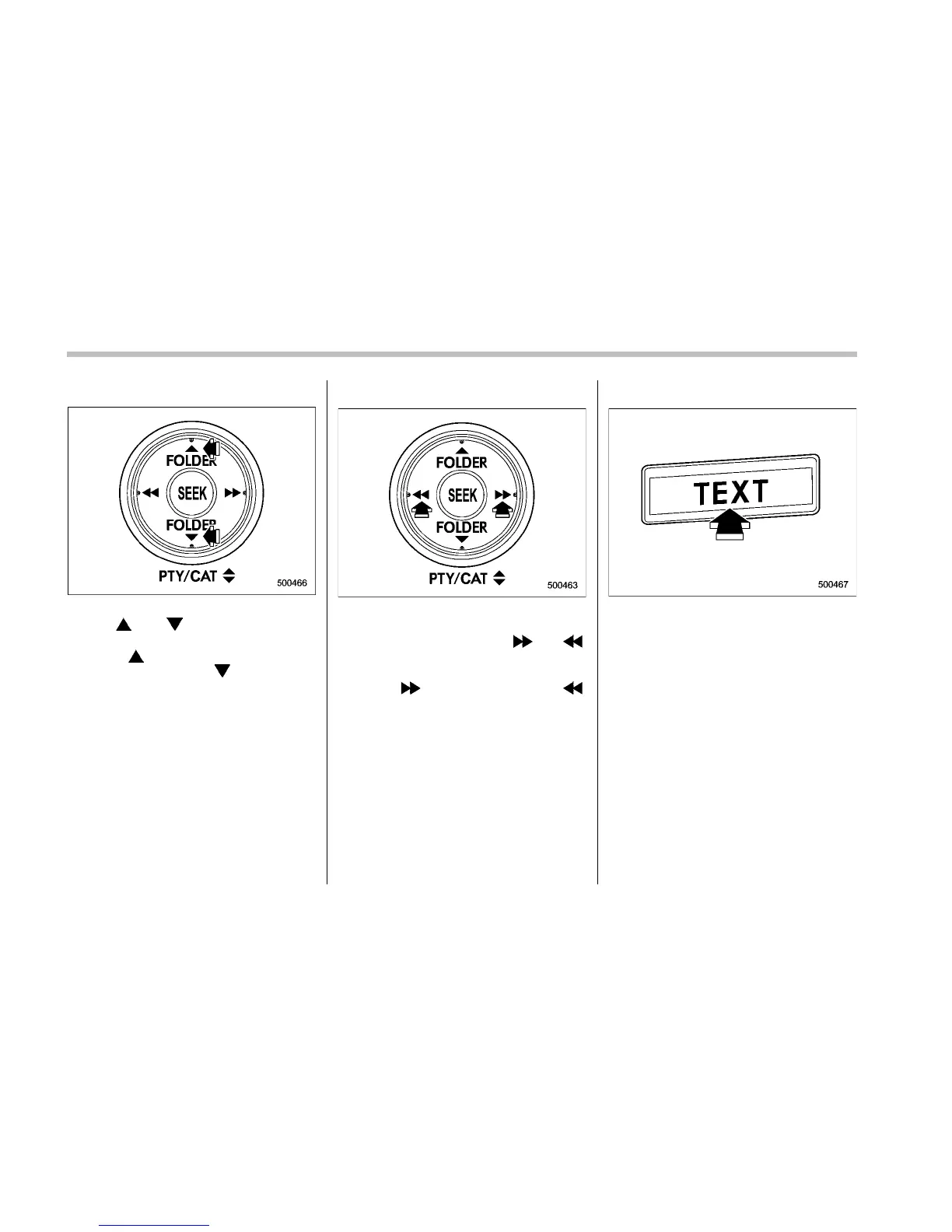
! PTY (Program type) group selection
In PTY selection mode, press the “PTY”
button “
” or “ ” to change the PTY
group by one step at a time.
Pressing “
” changes the PTY group up
by one step. Pressing “
” changes the
PTY group down by one step.
This operation only changes the display. It
does not change the station that is
currently being received.
! Seek in PTY (Program type) group
In the PTY selection mode, when the
desired PTY group has been selected,
pressing the “SEEK” button “
” or “ ”
seeks within that PTY group. In this case,
“PTY SEEK” is displayed on the screen.
Pressing “
” seeks up. Pressing “ ”
seeks down.
The control function returns to the normal
mode after approximately 10 seconds.
& RDS text display
If the PS (Program Service Name) and/or
RT (Radio Text) are available, pressing
the “TEXT” button changes the display
among PS, RT and frequency. The initial
setting is “PS”.
NOTE
. The maximum number of characters
that can be displayed for PS is 8.
. The maximum number of characters
that can be displayed for RT is 64.
. If RT is 16 characters or longer,
press and hold the “TEXT” button for
0.5 second or longer in order to change
the page.











 To Next Page