5-22 Audio
& Fast-forwarding and fast-re-
versing
! Fast-forwarding
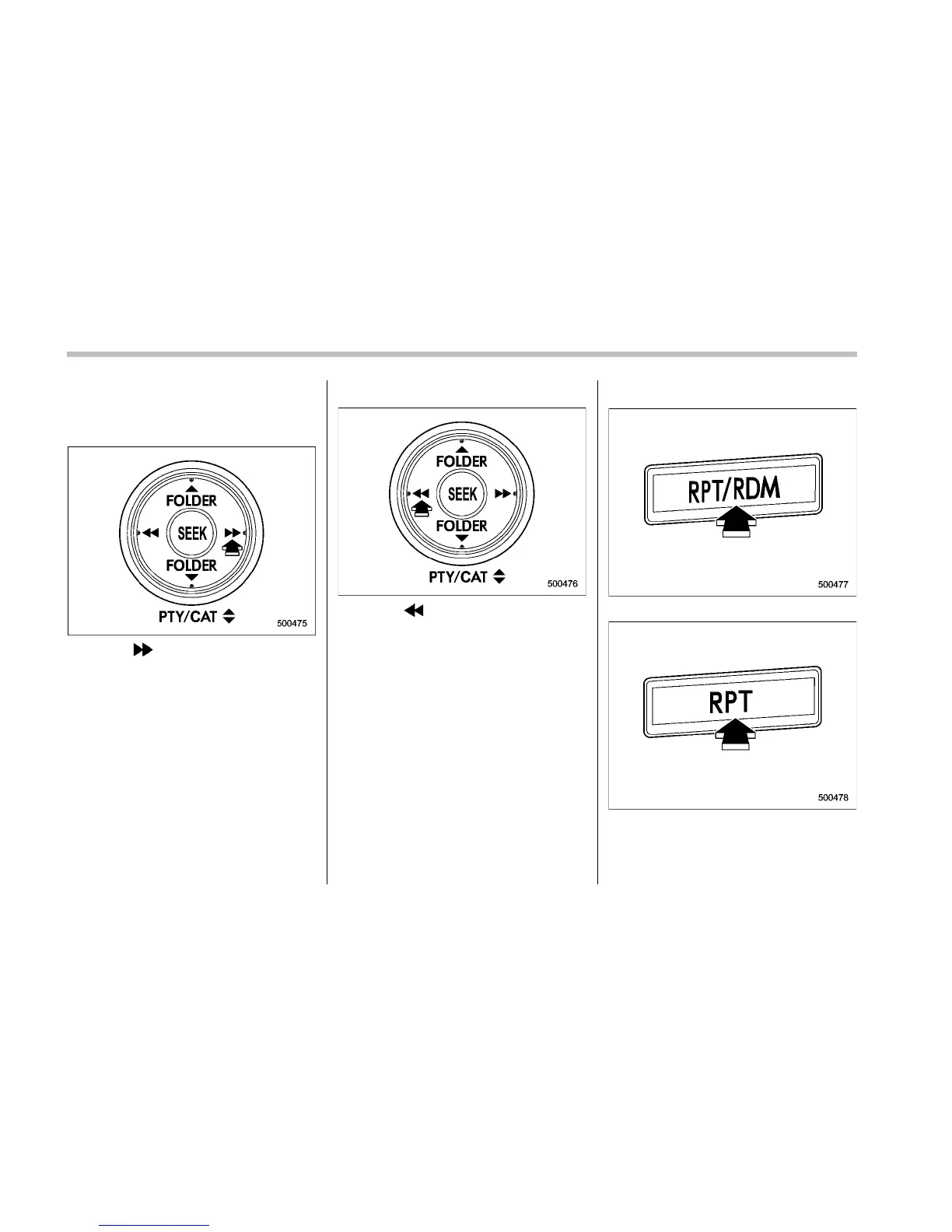
Press the “ ” side of the “SEEK” button
continuously to fast-forward the track/file.
Release the button to stop fast-forwarding.
NOTE
If you fast-forward to the end of the last
track/file (track), fast-forwarding will
stop and the player will start playback
beginning with the first track/file
(track).
! Fast-reversing
Press the “ ” side of the “SEEK” button
continuously to fast-reverse the track/file.
Release the button to stop fast-reversing.
NOTE
If you fast-reverse to the beginning of
the first track/file (track), fast-reversing
will stop and the player will start play-
back.
& Repeating
Type A audio
Type B audio
To repeat a track/file (track), briefly press
the “RPT/RDM” button (type A audio) or











 To Next Page