5-16 Audio
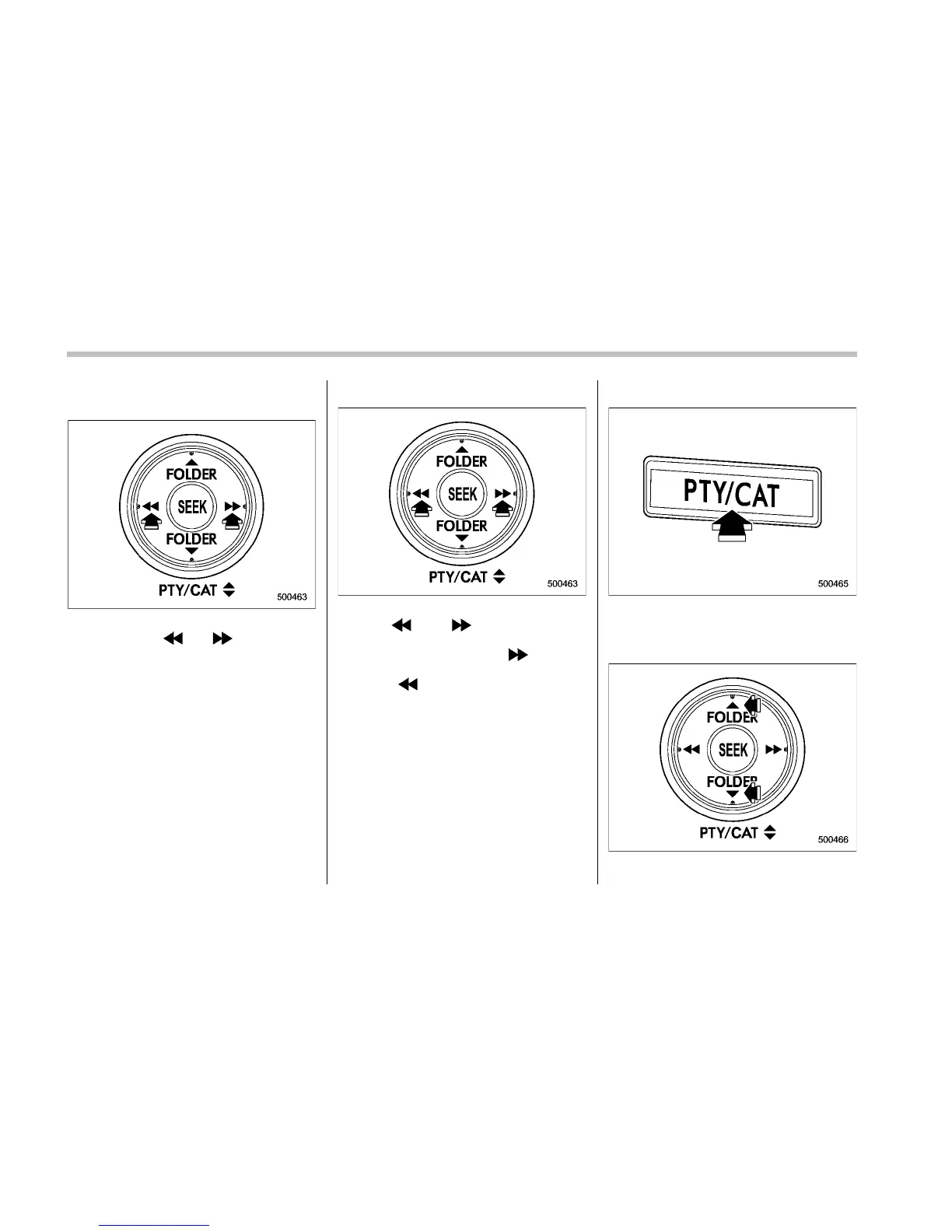
! Channel selection by pressing the
button
When in the SAT mode, briefly press the
“SEEK” button “
” or “ ” to select the
channel.
! Skip channel selection
When in the SAT mode, press the “SEEK”
button “
” or “ ” continuously to
change to the channel selection mode.
Pressing the “SEEK” button “
” changes
the channel up by 10 steps each time.
Pressing “
” changes the channel down
by 10 steps each time.
! Category selection
To activate the category search mode,
press the “PTY/CAT” button. To deactivate
the category search mode, press the
“PTY/CAT” button again.
When in the category search m ode,











 To Next Page