27
Playing DVD Video Discs
Starting playback
With the vehicle’s ignition switch in the “ACC” or “ON” position, insert the disc into the disc slot of the DVD player, with the label side
facing up. The player automatically starts playback of the disc.
If a disc is already in the player, press the “DVD • CD” button on your remote control to start playback.
Stopping playback
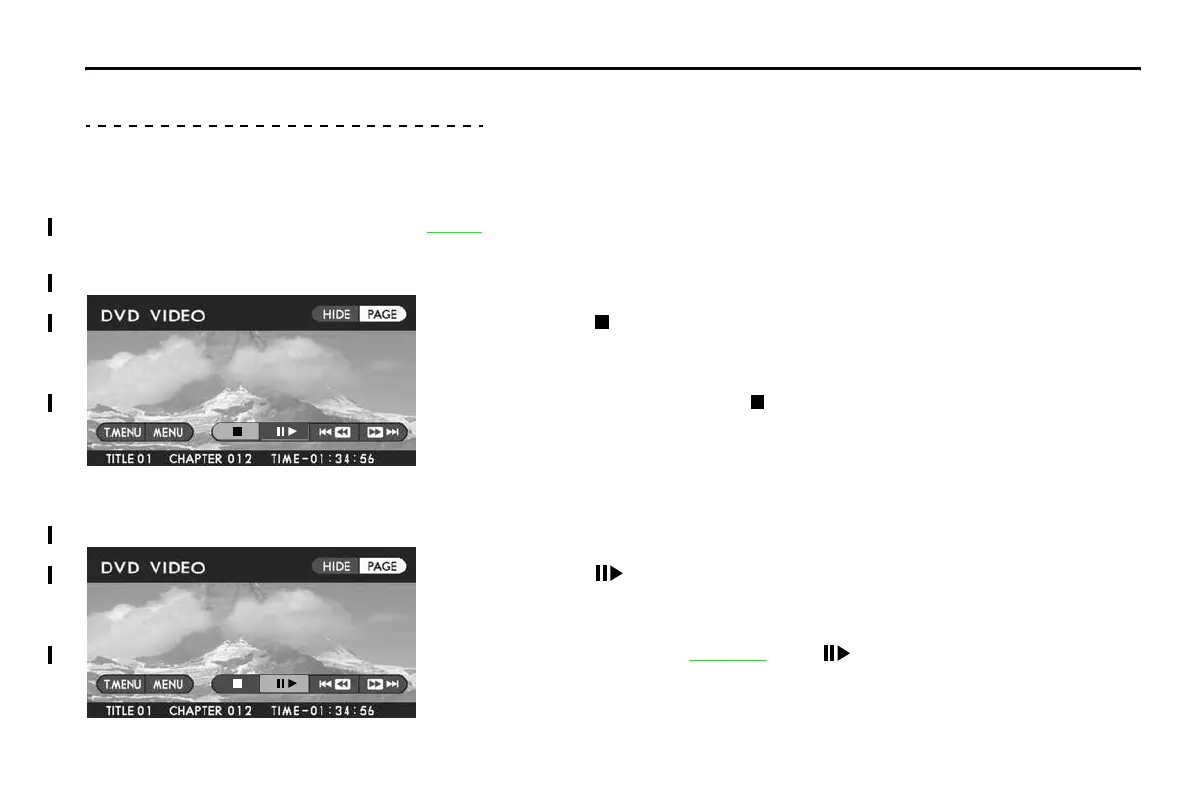
Method using screen and remote control:
Highlight the “
” switch on the screen with your remote control joystick, then press
the “ENTER” button.
Method using remote control alone:
Press the remote control “STOP (
)” button.
Pausing
Method using screen and remote control:
Highlight the “
” switch on the screen with the remote control joystick, then press
the “ENTER” button.
Method using remote control alone:
Press the remote control “PAUSE •
PLAY ( )” button.
To restart playback, perform either of the above operations again.
Playing Discs















 To Next Page