38
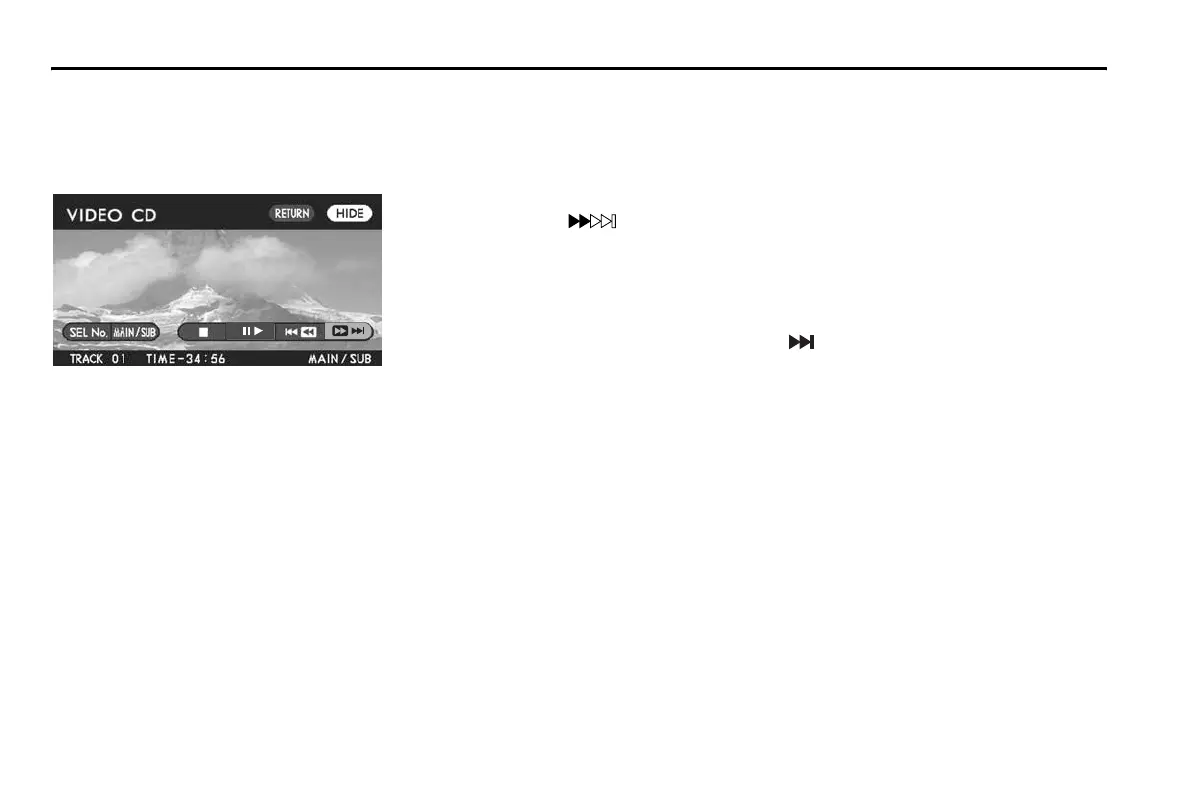
Skipping tracks forward
The data recorded on video CDs is divided into fragments called “tracks”. These tracks are given specific numbers, which are indicated
in the guide accompanying each disc. You can advance the disc skipping a track or tracks as follows:
Method using screen and remote control:
Highlight the “ ” switch on the screen with the remote control joystick, then
briefly press the “ENTER” button. The disc skips the current track and advances to
the beginning of the next track. Repeat this operation as many times as necessary
to reach the desired track.
Method using remote control alone:
Briefly press the remote control “TRACK ( )” button. Refer to the above for the
subsequent process and operation.
NOTE (Ver 2.0 video CD only)
Track skipping is not possible with some Ver 2.0 video CDs. For information
on track skipping of each Ver 2.0 video CD, refer to the guide accompanying it.
Playing Discs















 To Next Page