SETUP
144
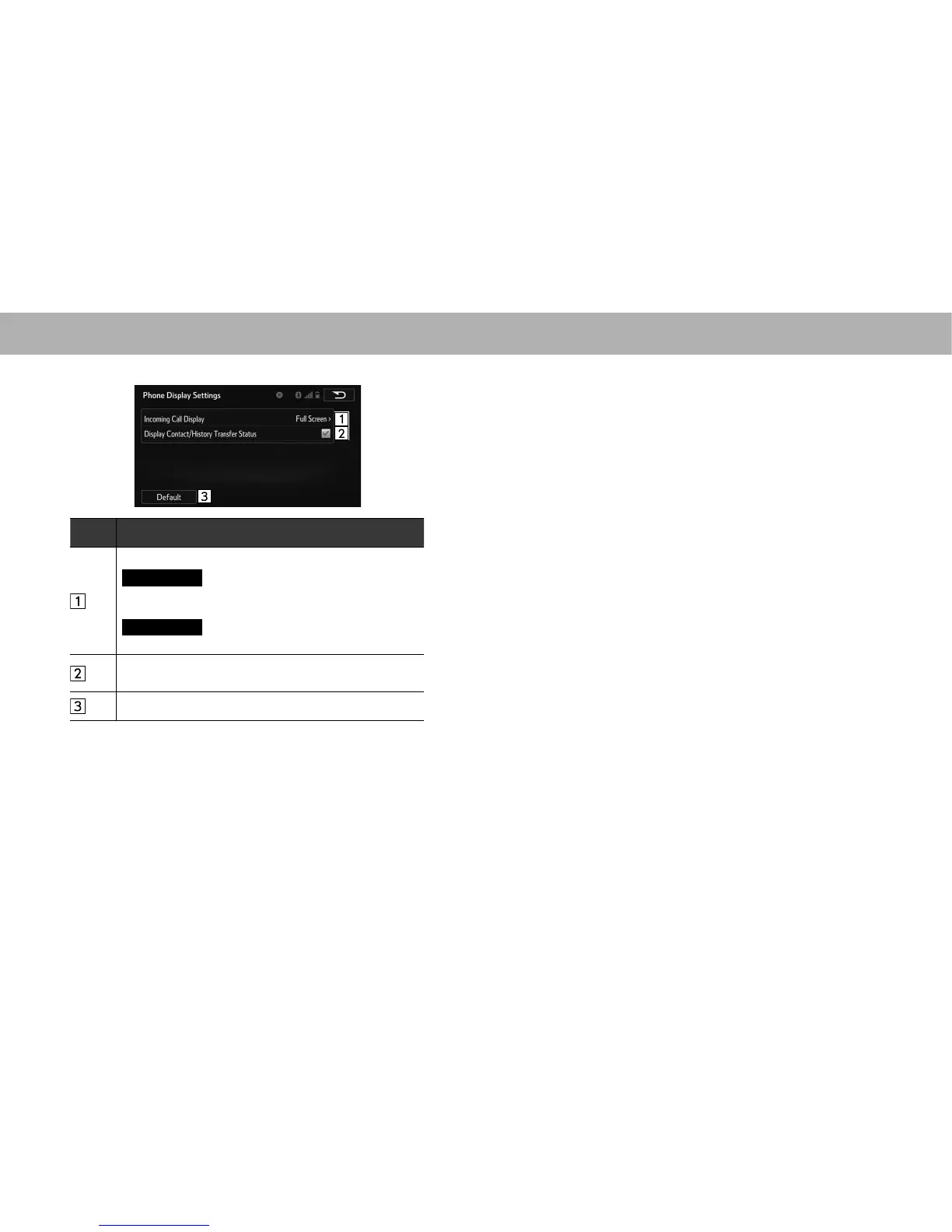
3. Select the desired item to be set.
No. Function
Select to change the incoming call display.
Full Screen
(Full Screen): When a call is received,
the hands-free screen is displayed and can be operated
on the screen.
Drop-Down
(Drop-Down): A message is displayed
on the upper side of the screen.
Select to set display of the contact/history transfer
completion message on/off.
Select to reset all setup items.
















 To Next Page