APPLE CARPLAY
Cables
Apple CarPlay requires compatible iPhones to be connected via
your Subaru’s USB port. Cables must be an 8-Pin Lightning MFi
Certified cable (made for iPod/iPhone). Look for the “Works with
Apple CarPlay” or “Made for iPod, iPhone, iPad” icons when
selecting a cable. For more information, visit:
www.apple.com/ios/carplay/.
Connecting an iPhone
1. To set up Apple CarPlay, make sure Siri is turned on then plug the iOS/Apple phone into
the USB port of the vehicle. Make sure to use an MFi certified cable.
2. Select “Allow” on the iOS/Apple phone when prompted.
3. Select Apple CarPlay on the vehicle screen.
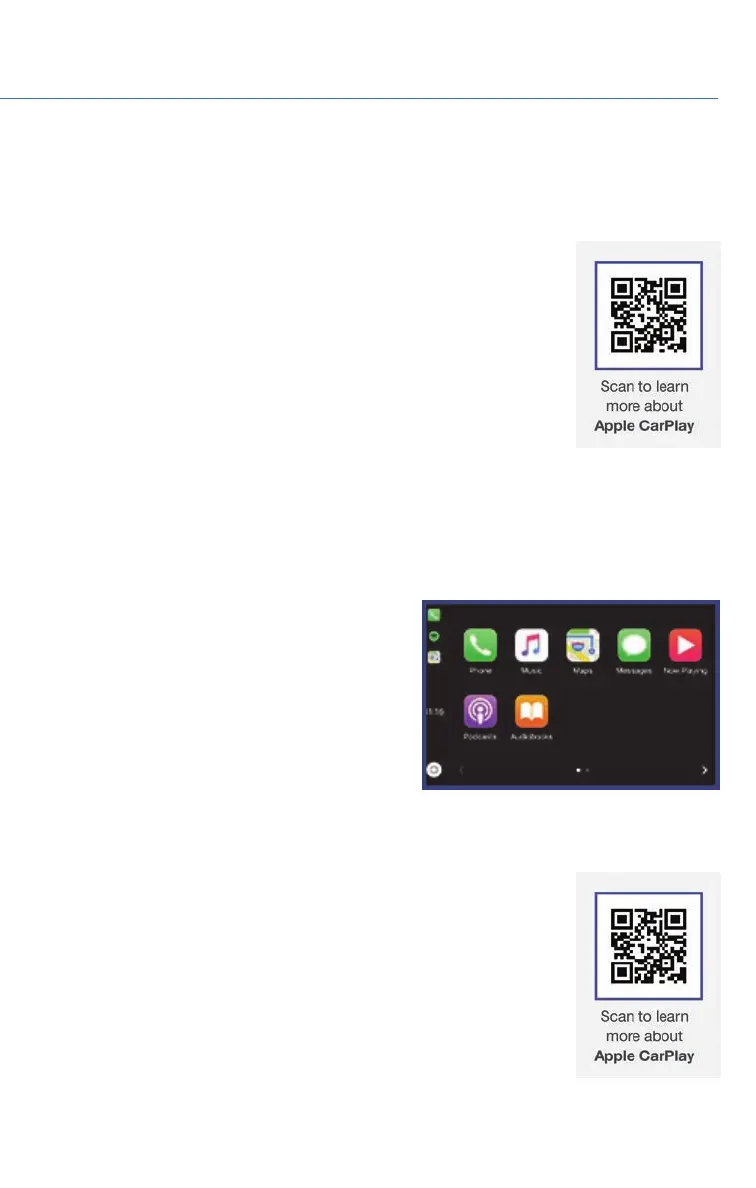
This will bring you to the home page of
your phone in Apple CarPlay.
Ensure the iOS/Apple phone is fully up to
date. Also ensure all apps that work on
Apple CarPlay are up to date. Apple
CarPlay might not function correctly if one
of the apps is outdated or having an issue.
Apps can be updated in the App Store.
Compatible Models
For a list of all the Apple phones that are compatible with Apple
CarPlay, visit: www.apple.com/ios/carplay/.
APPENDIX: HOW TO
119














 To Next Page