PAIRING A PHONE
Using a Bluetooth
®
connection with the Touchscreen allows you to
use the voice recognition system to make and receive calls. It
provides access to your phone book on your phone and can read
incoming text messages as well as reply via voice recognition. It
remembers your driver profile when your phone pairs via
Bluetooth
®
.
For instructions on how to pair your phone to the Touchscreen, see
page 110 for Android devices or page 113 for Apple devices.
Visit www.subaru.com/engineering/starlink/multimedia.html for
complete details on what is available by connecting a phone to the
Touchscreen.
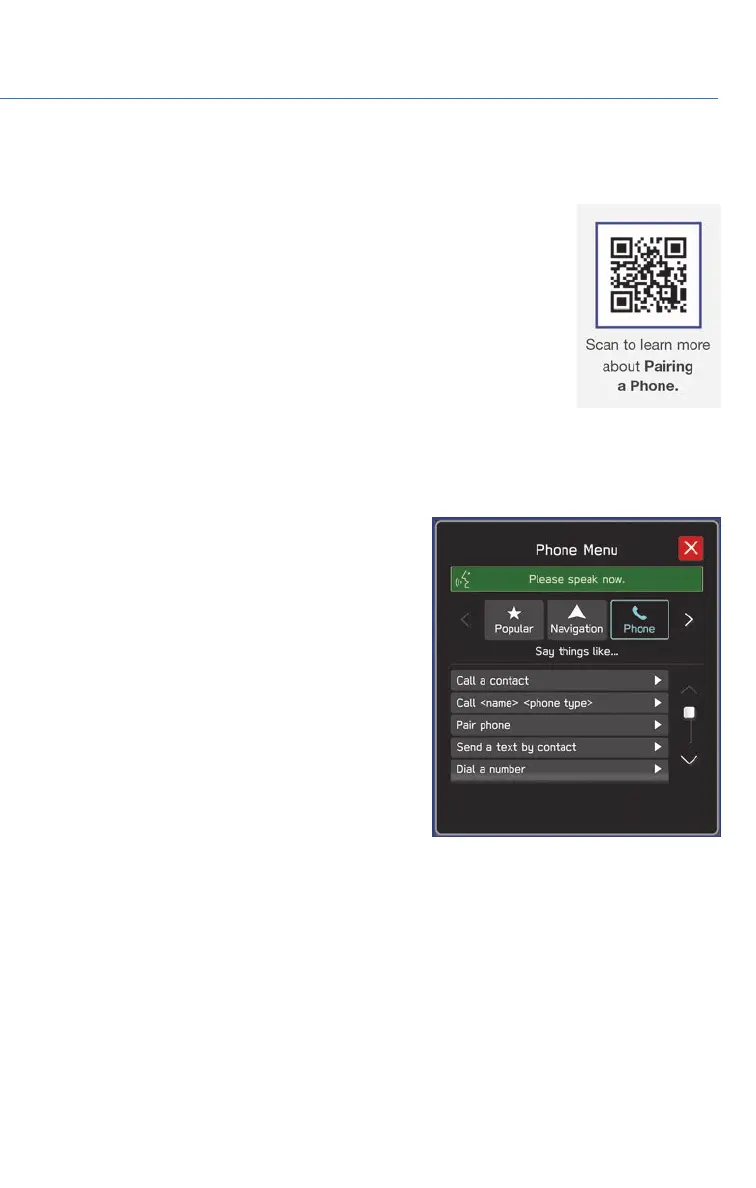
MAKING A CALL
You can make a call through voice recognition
by touching the “Voice Recognition Switch” on
the steering wheel to start or stop the voice
recognition system. After pressing the “Voice
PHONE
69














 To Next Page