Recognition Switch”, wait for the “Voice Guidance” screen to appear on the Touchscreen
and say “Call [name and phone type]” or “Dial
[number]”.
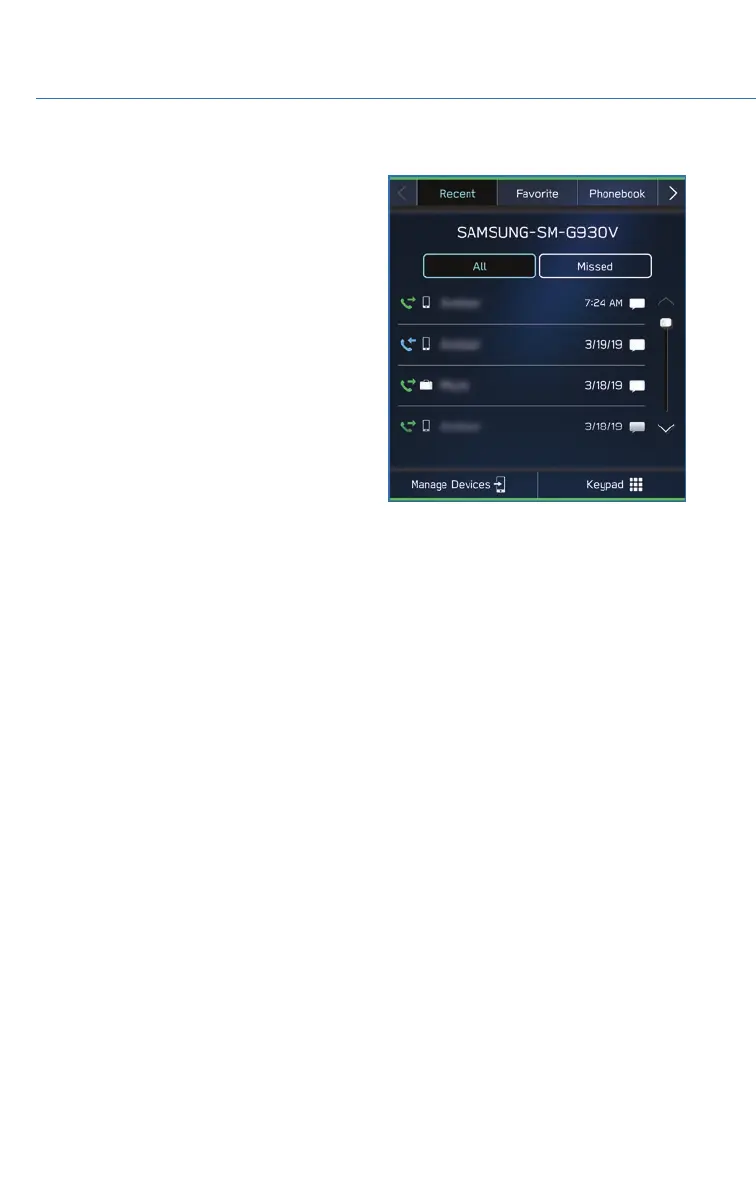
To make a call from the Touchscreen, start by pushing the “Home” button and then select
“Phone”. After the phone screen displays, select the method you would like to use to make
a call.
• Recent – Allows you to call someone that has recently called you or that you called.
• Favorites – Allows you to place a call to one of your favorites on your phone.
• Phonebook – Will display the phonebook that is on your phone.
• Messages – Allows you to call someone that recently sent you a text message.
• Keypad – Allow you to dial any number you would like.
PHONE
70














 To Next Page