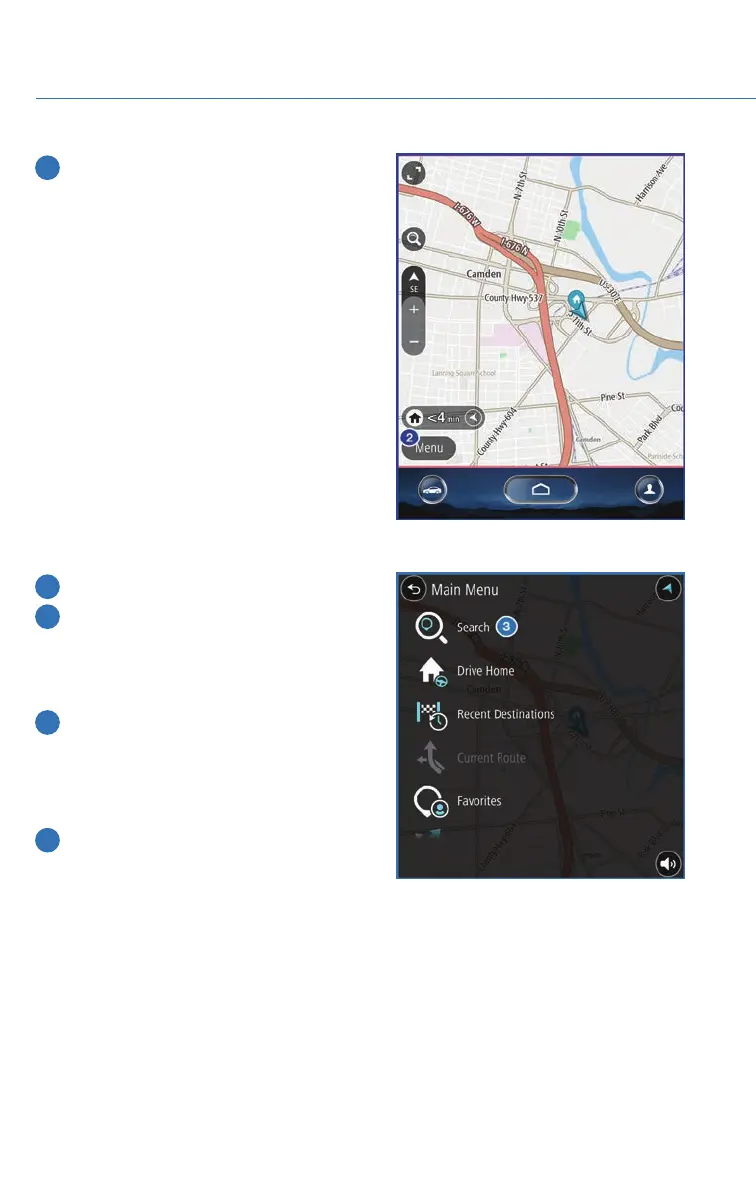
2 Then touch “Menu”.
3 Next, select “Search”.
4 Select “Points of Interest”.
NOTE: You can toggle between
“Address” and “Point Of Interest” search
by selecting the one you want.
5 Categories are listed alphabetically. Use
the scroll bar on the right, if needed, to
display more categories, then make your
selection. Select the desired item from the
list, then touch “GO”.
6 Finally select “Let’s Go” to start navigation
to the point of interst.
MAPS
90














 To Next Page