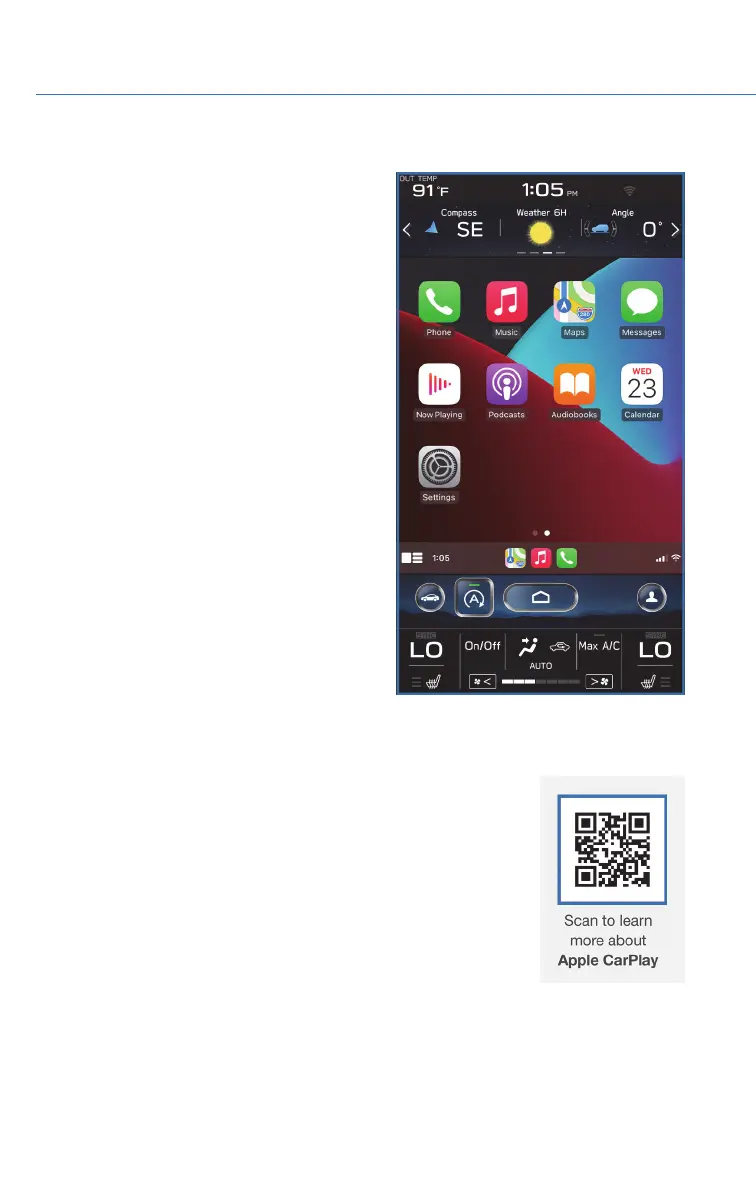
Connecting an iPhone
1. To set up Apple CarPlay
®
, make sure Siri is
turned on then plug the iOS/Apple phone
into the USB port of the vehicle. Make sure
to use an MFi certified cable.
2. Select “Allow” on the iOS/Apple phone when
prompted.
3. Select Apple CarPlay
®
on the vehicle screen.
This will bring you to the home page of your
phone in Apple CarPlay
®
.
Ensure the iOS/Apple phone is fully up to
date. Also ensure all apps that work on
Apple CarPlay
®
are up to date. Apple
CarPlay
®
might not function correctly if one
of the apps is outdated or having an issue.
Apps can be updated in the App Store.
Compatible Models
For a list of all the Apple phones that are compatible with Apple
CarPlay
®
, visit: www.apple.com/ios/carplay/
HOW TO APPENDIX
138














 To Next Page