SETTING THE MESSAGE
1.
Display the phone settings screen. (→P.77)
2.
Select (Messages).
3.
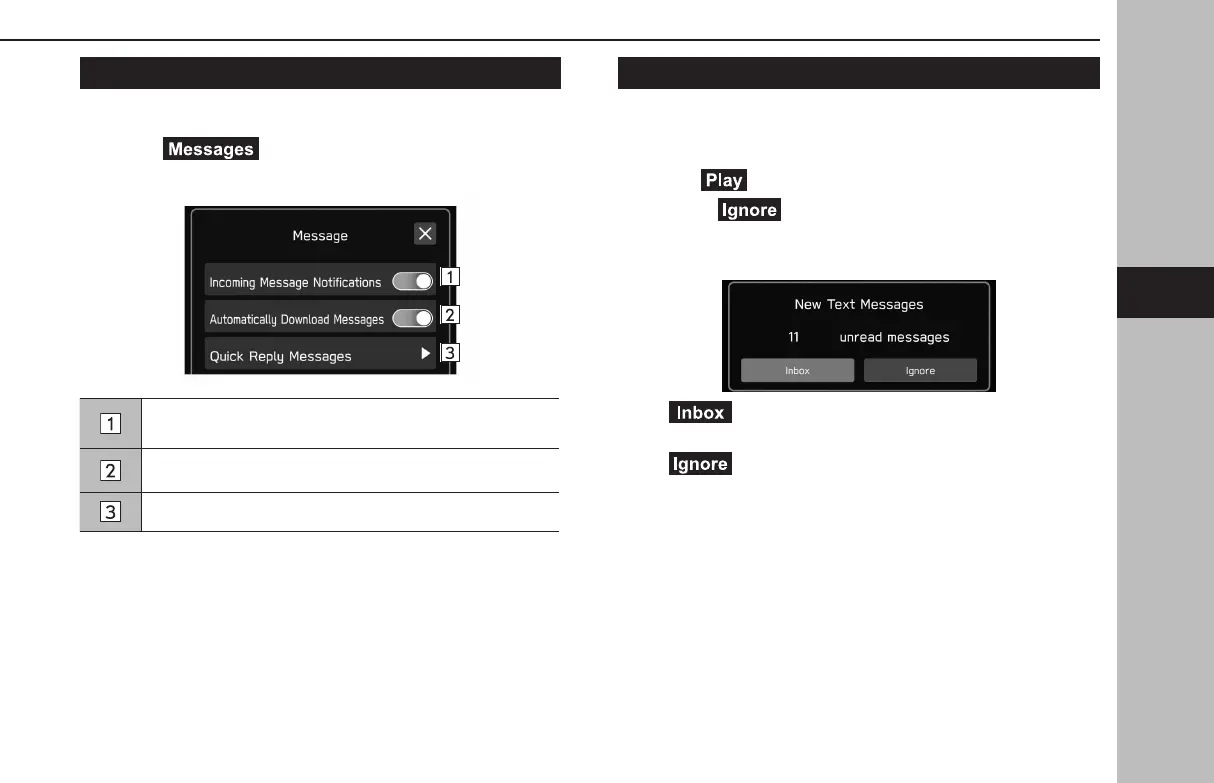
Select the items to be set.
Select to set the incoming message notication pop-up on/
o.
Select to set automatically download messages on/o.
Select to edit quick reply messages. (→P.109)
RECEIVING A MESSAGE
When an SMS/MMS is received, the incoming message screen
pops up with sound and is ready to be operated on the screen.
1.
Select (Play).
● Select
(Ignore) to not open the message.
XIf there ar
e any unread messages
The following screen is displayed.
● (Inbox): Select to display the message inbox
screen.
●
(Ignore): Select to not open the message.
PHONE OPERATION (HANDS-FREE SYSTEM FOR CELLULAR PHONES)
107
Phone
GB8_US.indb 107 2020/10/09 7:22:46














 To Next Page