MAP SCALE
1.
Select or to change the scale of the map screen.
● When the automa
tic zoom function is on (→P.207)
during route guidance, the map is zoomed in
automatically when approaching intersections or turning
points.
l The scale of the map screen can also be changed with the double
touch or pinch operation. (→P.66)
l If the map scale has been changed aft
er moving the map, the map
scale will return to previous scale when the map is returned to the
current position.
l The automa
tic zoom function may not operate if the map scale is
adjusted manually during route guidance. To reenable the automatic
zoom function, change the orientation of the map screen. (→P.189)
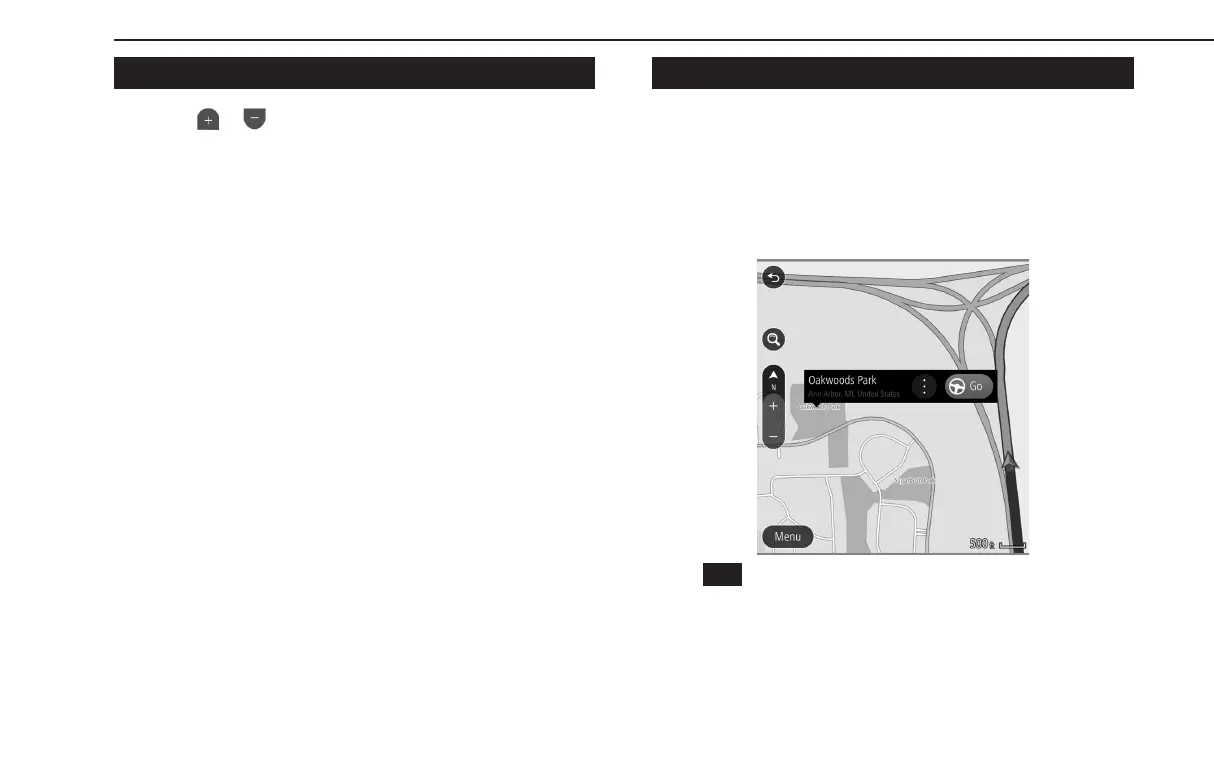
LOCATION MENU POP-UP
The location menu pop-up can be displayed using the following
methods:
● Select and hold an
y point on the map.
● Select a poin
t from a list.
● Select a POI icon.
Select
(Go) to search for a route to the selected point and
display the route calculation screen. (→P.201)
BASIC OPERATION
188
GB8_US.indb 188 2020/10/09 7:23:10


 To Next Page
 Loading...












