l To re-register your Bluetooth phone/device after having deleted it
from the system, operate the Bluetooth phone/device and register it
after deleting the previously registered system information from the
Bluetooth phone/device.
6.
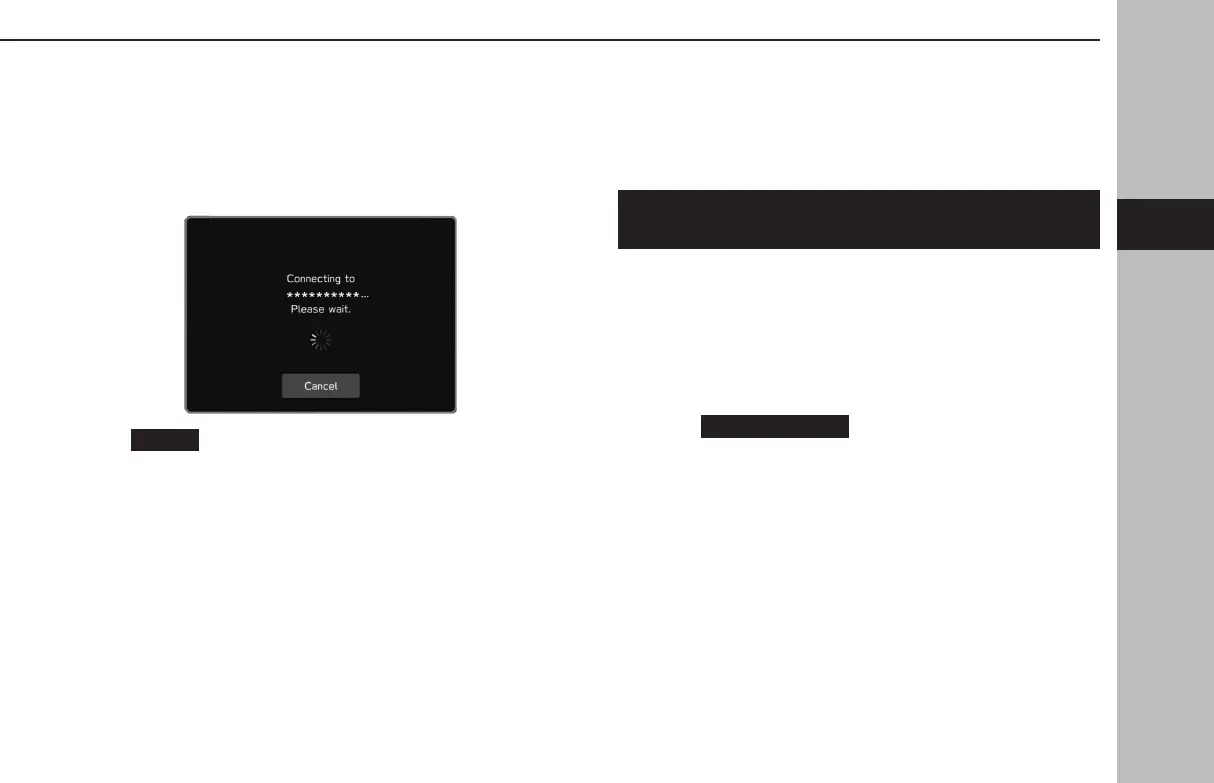
Check that the following pop-up screen may be displayed.
●
(Cancel): Select to cancel the registration.
● If a conr
mation message appears asking whether to
transfer the phone’s contact data to the system, select the
appropriate button.
7.
When the connection is completed, conrm that a
connected device name is displayed.
● If an error message appears, follow the guidance on the
screen to try again.
l 11.6-inch display system/11.6-inch display with Navi system
only: When registering an NFC compatible device, registration is
performed when the Bluetooth phone/device is held against the NFC
logo of the audio system until a connection is established.
CONNECTING OR DISCONNECTING Bluetooth
PHONE/DEVICE
Up to 5 Bluetooth phones/devices (Phones (HFP) and devices
(AVP)) can be registered.
If more than 1 Bluetooth phone/device has been registered,
select which Bluetooth phone/device to connect to.
1.
Display the phone settings screen. (→P.77)
2.
Select
(Manage Devices).
Settings
79
Settings
GB8_US.indb 79 2020/10/09 7:22:31














 To Next Page