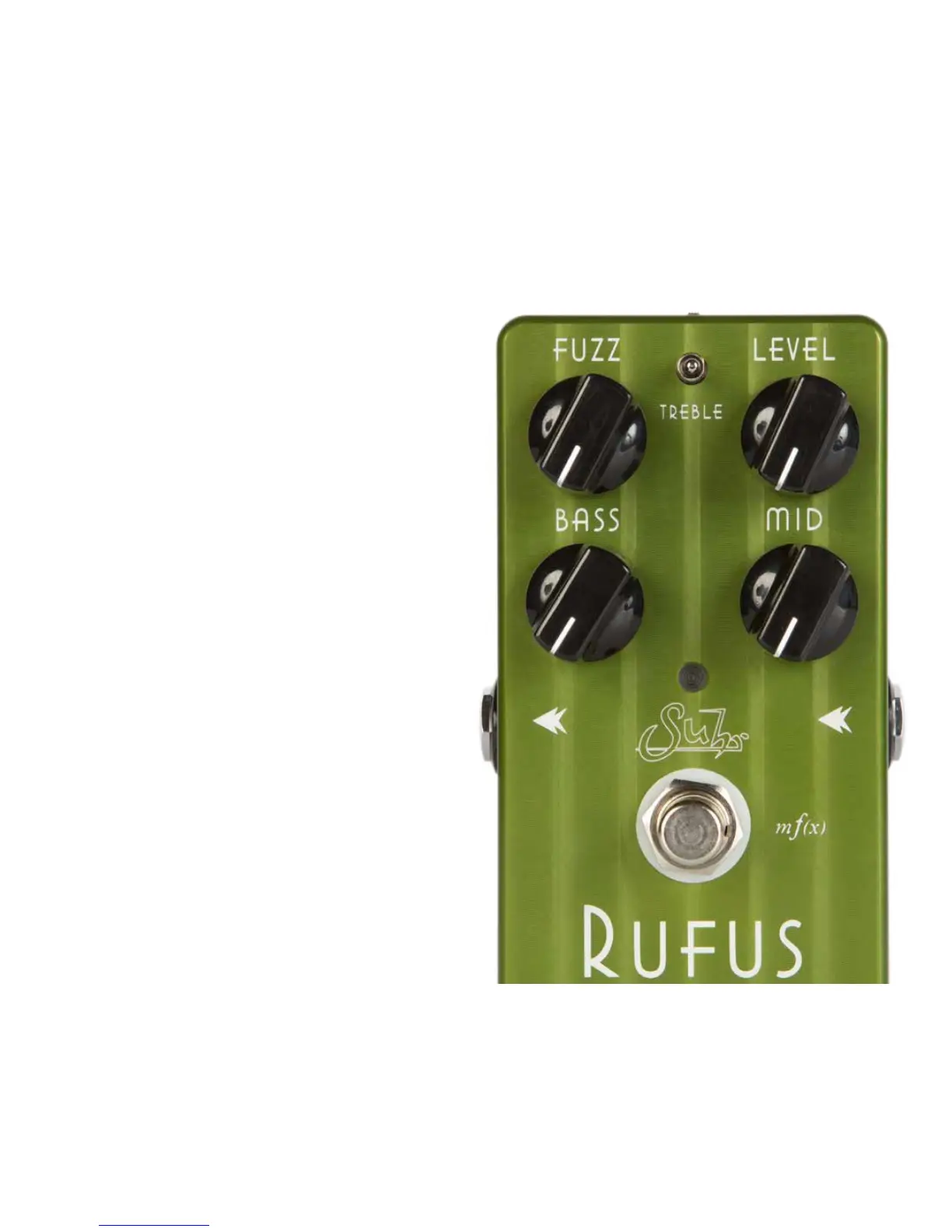
OVERVIEW
Rufus is a unique fuzz pedal designed to offer a wealth of fuzz tone effects with
the dynamics and tactile response of a tube amplier. Whether your tastes are for
the historic tones created at The Fillmore East back in ‘69, or you crave the more
aggressive, mid-scooped characteristics of the Grunge-era, Rufus has you covered,
and then some.
EXCLUSIVE FEATURES
• Silicon Transistors
• 3-Band Eq
• mf(x) Multi-Function Technology
• FX Link
• True Bypass Switching
GETTING CONNECTED
INPUT: Connect this jack to the output of your instrument or effects device. Unlike
traditional fuzz pedals, Rufus’ input was optimized to accept the output of a buffered
device such as a tuner or other pedal effects without sacricing the interaction between
your instrument and Rufus.
Note: Connecting a cable to the input jack will power up the pedal. If using the internal
battery, remember to unplug your cable from the input jack when you are nished
playing in order to conserve battery life.
OUTPUT: Connect this jack to the input of an amplier or another effect device.
POWER REQUIREMENTS
Rufus can be powered via 9V battery or 9VDC, center negative power supply.
BATTERY MONITOR
Upon powering up, the battery voltage is measured. If the voltage measured is lower
than 5.5V, Rufus LED will ash 3 times to alert you that it’s time to replace the battery.
Once the 9V battery is replaced, normal operation will resume. Should a battery fail
completely (<5V), Rufus will switch itself into True Bypass mode and the LED will
begin to ash. This feature ensures that your signal will continue uninterrupted and
undistorted until you can replace the battery with a new one.
Note: The LED ash can be defeated by pressing the footswitch to turn it off.
Thank you for purchasing the Suhr Rufus™. Please take the time to read through this guide to familiarize yourself with its many features
and applications.



 To Next Page