EasyManua.ls Logo

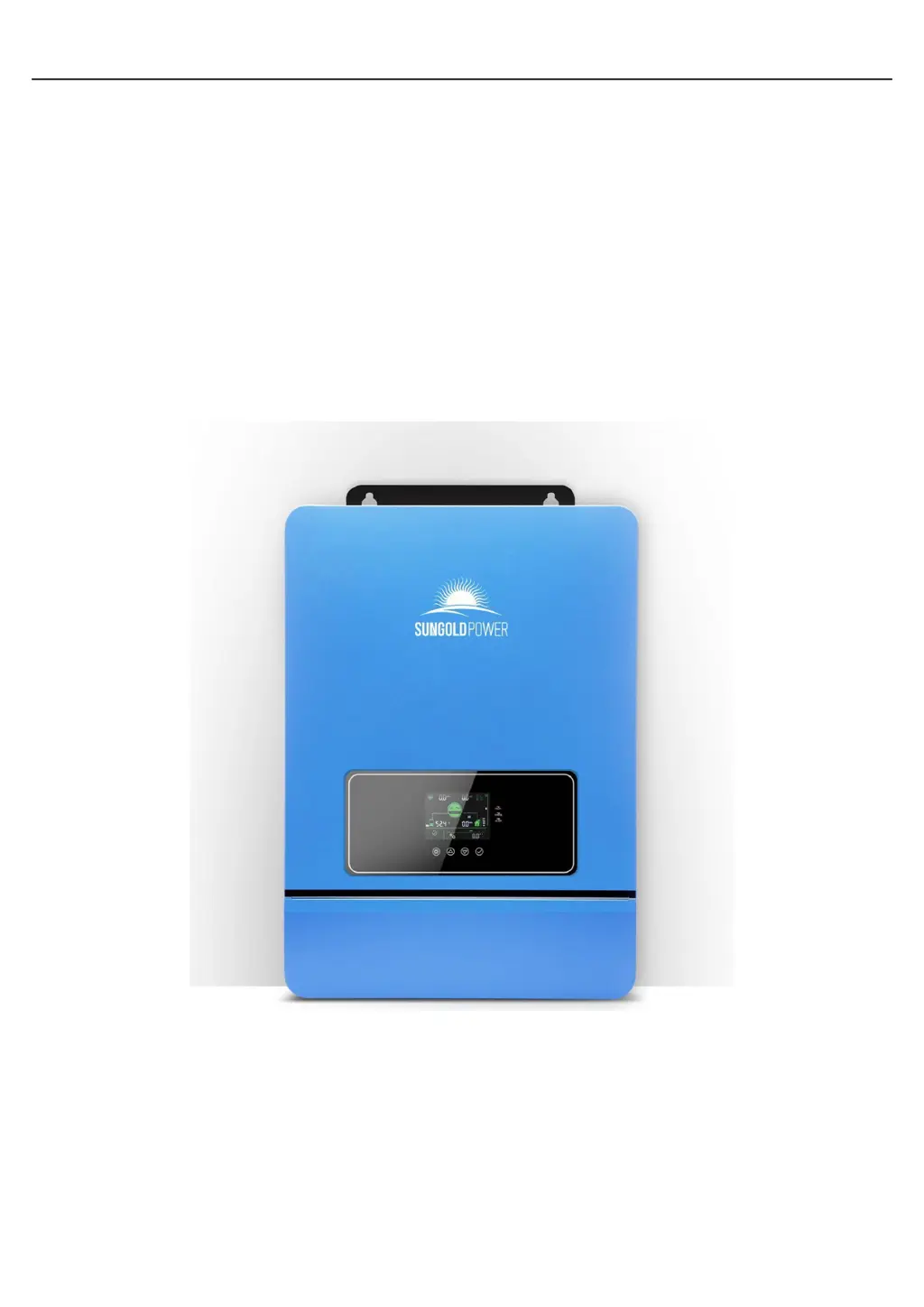
Sun Gold Power SPH10K48SP - User Manual

Default Icon
41 pages
Print Icon
To Next Page IconTo Next Page
Loading...
Sun Gold Power Co., LtD www.sungoldpower.com
All-in-one solar charge inverter V3.0 1
USER MANUAL
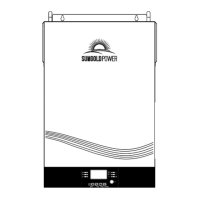
All-in-one solar charge inverter
SPH8K48SP
SPH10K48SP

Questions and Answers

  • J
    James MyersAug 14, 2025
    How to fix Sun Gold Power SPH10K48SP screen with no display?
    • N
      Natalie CobbAug 14, 2025
      If your Sun Gold Power Inverter screen isn't displaying anything, it could be due to a lack of power input or because it's in sleep mode. Try closing the circuit breaker and making sure the rocker switch is turned on. If it's in sleep mode, push any button on the panel to wake it up.
  • W
    woodskatelynAug 17, 2025
    What to do if Sun Gold Power SPH10K48SP says battery not connected?
    • S
      Sean ValdezAug 18, 2025
      If your Sun Gold Power Inverter indicates that the battery is not connected, there are a few things to check: * Make sure the battery is securely connected. * Verify that the battery's circuit breaker is closed. * If you're using a Li-ion battery, ensure its Battery Management System (BMS) is communicating correctly.
  • E
    erin31Aug 21, 2025
    Why is my Sun Gold Power Inverter showing a bypass overload?
    • A
      Amanda WilliamsAug 21, 2025
      A bypass overload on your Sun Gold Power Inverter, detected by software, indicates that the output power or current has exceeded its limit for a certain time. To resolve this, reduce the power being drawn by the connected devices and then restart the inverter. For more details, refer to item 11 of the protection features.
  • B
    brownsarahAug 25, 2025
    What to do if Sun Gold Power Inverter shows battery over-voltage when charging?
    • D
      Daniel LopezAug 25, 2025
      If your Sun Gold Power Inverter displays a battery over-voltage error during charging, the battery voltage is too high. Power off the inverter and restart it. Check if the battery voltage exceeds the allowed limit. If it does, you will need to discharge the battery until its voltage drops below the over-voltage recovery point.
  • D
    Deborah PowellAug 27, 2025
    How to fix Sun Gold Power Inverter battery over-discharge?
    • K
      Kendra PhillipsAug 27, 2025
      If your Sun Gold Power Inverter is showing a battery over-discharge error, it means the battery voltage is lower than the value set in parameter [12]. You can manually reset the inverter by powering it off and then restarting it. Alternatively, the inverter will automatically reset once the battery is charged to a voltage higher than the value set in parameter [35].
  • D
    David PearsonAug 31, 2025
    Why does my Sun Gold Power Inverter show battery under-voltage?
    • J
      jose16Aug 31, 2025
      Your Sun Gold Power Inverter is displaying a battery under-voltage error because the battery voltage is lower than the value specified in parameter [14]. To resolve this, charge the battery until its voltage exceeds the value set in parameter [14].
  • M
    Mallory JonesSep 3, 2025
    How to resolve a utility input phase fault on a Sun Gold Power SPH10K48SP Inverter?
    • S
      Sarah WilliamsSep 3, 2025
      A utility input phase fault on your Sun Gold Power Inverter means the AC input phase doesn't match the AC output phase. To fix this, make sure the phase of the AC input is the same as the phase of the AC output. For example, if the output is in split-phase mode, the input must also be in split-phase.
  • D
    Dominique EvansSep 6, 2025
    What causes AC Input relay short circuit in Sun Gold Power Inverter?
    • E
      Edward WuSep 6, 2025
      An AC input relay short circuit in your Sun Gold Power Inverter is caused by the relay for the AC input sticking. Power off the inverter and restart it. If the fault happens again, contact after-sales service to repair the machine.
  • S
    Sharon CarterSep 9, 2025
    What to do if Sun Gold Power SPH10K48SP Inverter fan fails?
    • J
      Joshua GordonSep 9, 2025
      If your Sun Gold Power Inverter's fan has failed, which is detected by hardware for 3 seconds, switch off the inverter and manually toggle the fan to check if any foreign objects are blocking it.

Summary

Safety

Safety instructions

Critical safety guidelines and precautions for installation, operation, and maintenance of the inverter.

Connection

Cable & circuit breaker requirement

Specifications for cable sizes and circuit breakers for PV, AC, and battery connections.

AC input & output connection

Detailed instructions for connecting AC input and output wires to the inverter terminals.

Battery Connection

Guidelines for correctly connecting the positive and negative battery cables to the inverter.

PV connection

Instructions for wiring the positive and negative wires of PV strings to the inverter.

Start up the inverter

Sequence of steps to safely power on and activate the inverter after installation.

Operation

Setting

Detailed guide on navigating menus and configuring various operational parameters of the inverter.

FaultandRemedy

Fault code

List of fault codes, their meanings, impact on outputs, and recommended instructions.

Troubleshooting

Guide to diagnose and resolve common issues, including screen display and battery-related problems.

ProtectionandMaintenance

Protection features

Detailed explanation of various internal protection features of the inverter for safe operation.

Sun Gold Power SPH10K48SP Specifications

General IconGeneral
BrandSun Gold Power
ModelSPH10K48SP
CategoryInverter
LanguageEnglish

Related product manuals