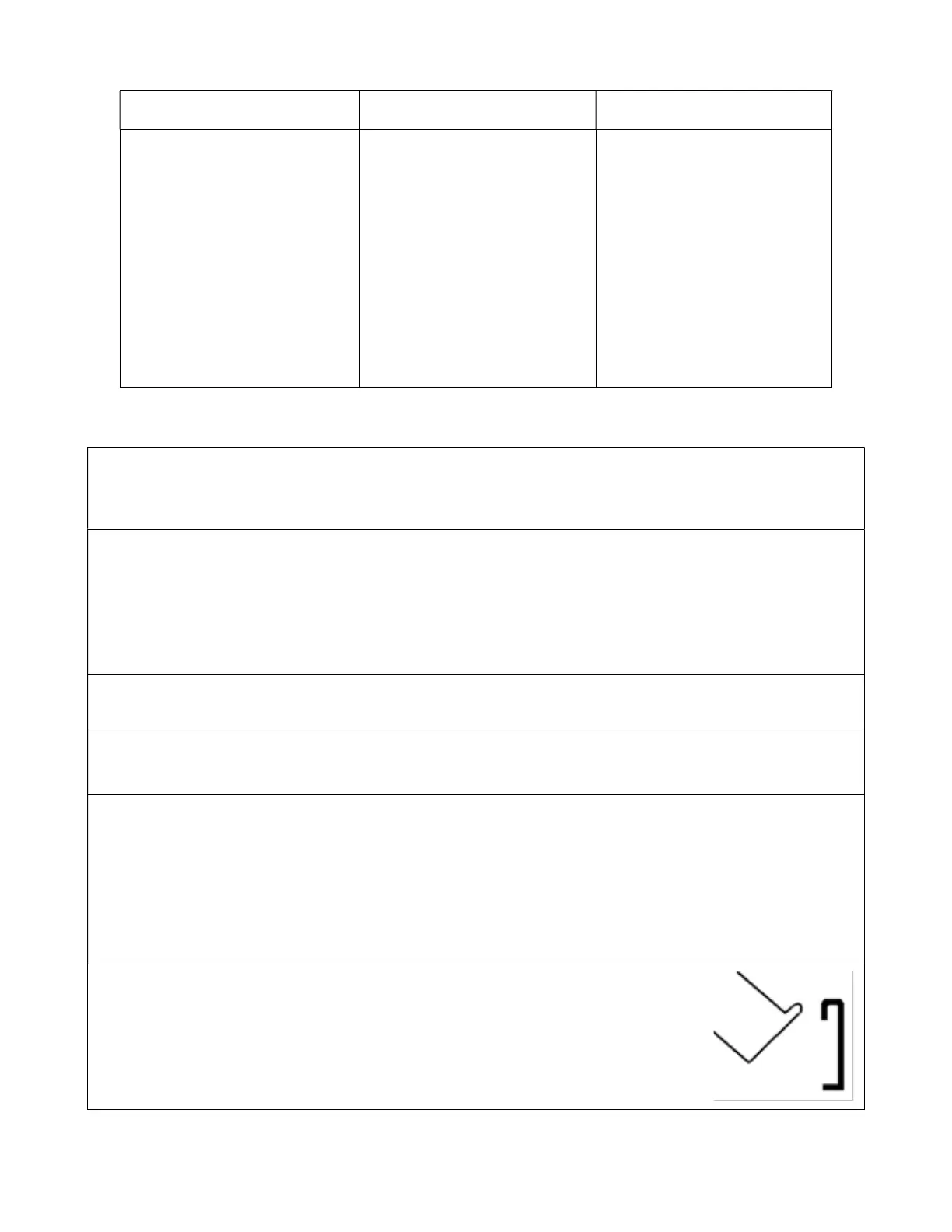
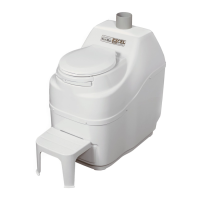
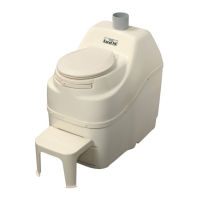
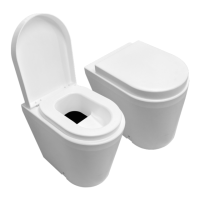
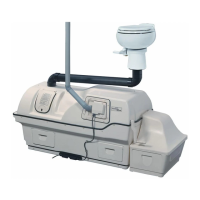
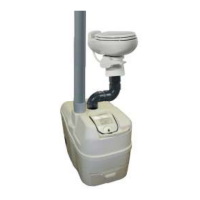
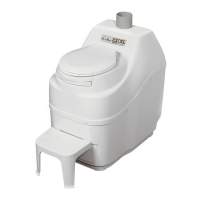
What’s in the box?
EXCEL EXCEL NE COMPACT
1-Owner’s Manual
1- Warranty Card
1- Rake
4 - 2”x31” Vent pipes (PVC
Central Vacuum Tubing)
1- 4” Diffusor
1- Compost Sure Green
1- Hardware Kit
1- Bowl Liner
1- Footrest
1- Owner’s Manual
1- Warranty Card
1- Rake
3 - 4”x31 Vent pipes (PVC)
1- 6” Diffusor
1- Compost Sure Green
1- Hardware Kit
1- Bowl Liner
1- 1” x 8’ Drain Hose
1- Footrest
1-Owner’s Manual
1-Warranty Card
1-Rake
4 - 2”x31” Vent pipes (PVC)
Central Vacuum Tubing)
1- 4” Diffusor
1- Compost Sure Green
1- Hardware Kit
1- Bowl Liner
Parts and Functionality
Familiarize yourself with your new toilet
1) Turn the drum handle clockwise to rotate the Bio-drum™ for mixing and aeration. (The drum
rotates counter-clockwise and the drum door closes). This is how you will rotate the drum during
regular operation.
2) Pull the drum locker button, (located on the front of the toilet above the finishing drawer), hold it out
and turn the handle counter-clockwise to simulate removal of compost from the Bio-drum™ to the
finishing drawer. This is how you will remove compost during regular operation.
Note: Compost will not drop into the drawer automatically; the drum locker must be pulled out
and held while the handle is being turned counter clockwise to remove compost. There should be
no resistance on the handle when turning.
3) Plug the toilet’s electrical cord (Electric) into a standard three-prong electrical outlet, and feel the air
movement from the vent outlet at the back of the unit to ensure the vent system is working properly.
4) Pull out the compost finishing drawer at the bottom front of the toilet. After the toilet has been plugged
in for ten minutes, place a hand on the floor of the evaporating chamber (the area under the finishing
drawer) to check it is warm to the touch, and that the heater is working properly.
5) The toilet must be installed so that the base is protected from weather. The rubber “u” channel at the
bottom of the unit is well-sealed, but if the toilet is sitting in water, has snow melting against it, or rain
pouring on it, this may eventually wear through and short out the heating element. This seal is water
resistant; it is not water-proof.
Note: The composting toilet should be placed on a level surface, or sloping slightly toward the
safety drain assembly to ensure drainage of effluent. Do not install the unit in a pit where water
can accumulate around the toilet.
6)
Attaching and Detaching the footrest (EXCEL units)
The footrest attaches to the unit with the metal track above the finishing drawer
opening. To attach the footrest, incline the footrest at a 45° angle to the floor as
shown. Insert the round top edge of the track on the footrest into the round top
edge of the metal track on the unit and then lower the footrest to the floor.
Note: Footrest must be correctly attached before use.
3


 To Next Page