www.sunbeam.ca
www.sunbeam.ca
4
5
LEARNING ABOUT YOUR
GLUTENFREE BREADMAKER
a
b
e
f
g
h
i
j
c
d
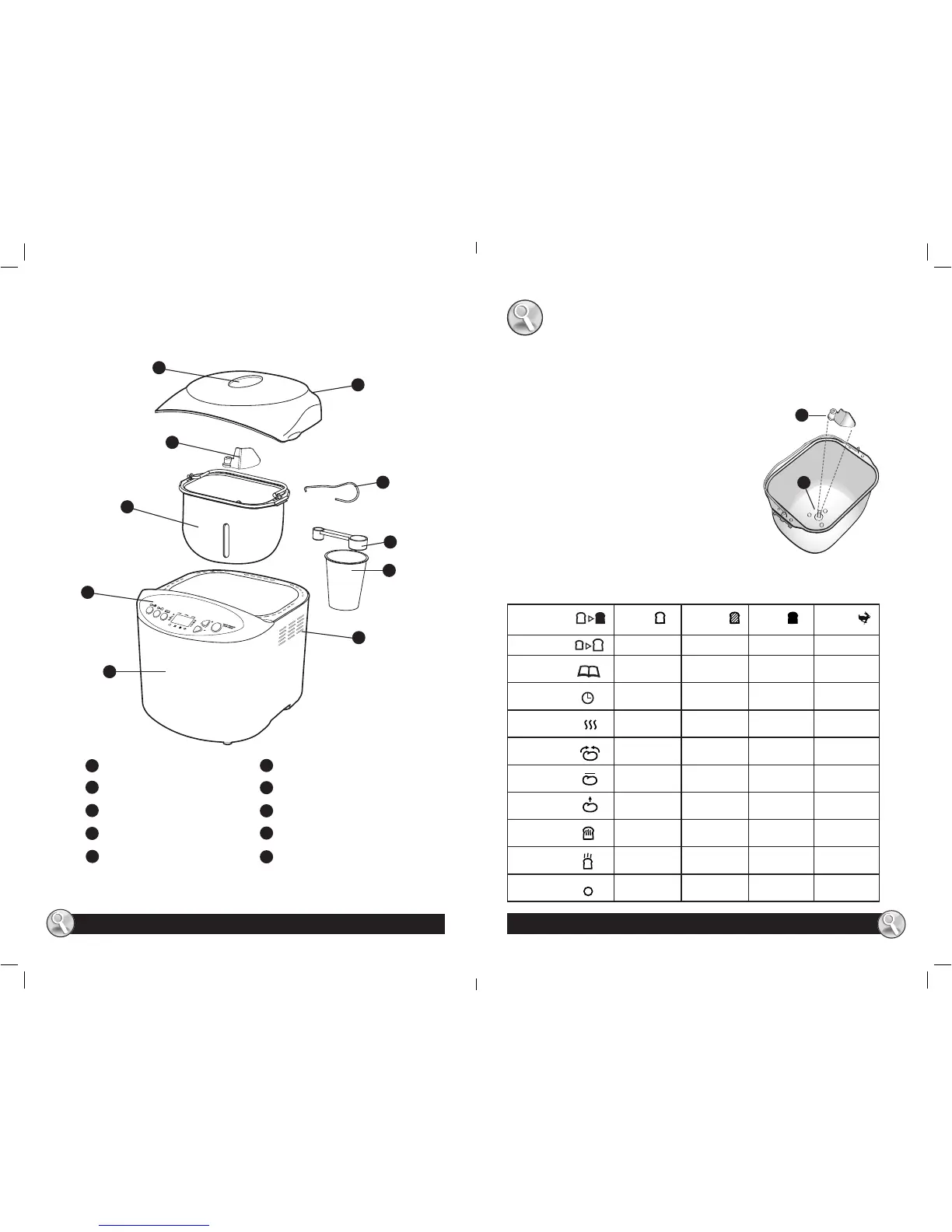
Glass viewing window
Vent
Top lid assembly
Measuring Scoop
Measuring Cup
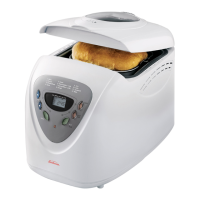
Breadmaker
Control Panel/LCD Display
Removable Bread Pan
Kneading Blade
Kneading blade removal tool
HOW TO:
Preparing your breadmaker
1 Place the breadmaker on a counter where the plug will reach an outlet. DO NOT
yet plug the machine into the wall outlet. You will be shown later when to do this.
2 Make sure you can open the breadmaker top without
hitting the top of kitchen cabinets.
3 Open the lid and remove the baking pan. To do this,
simply grasp the handle of the pan and pull straight
up. Use a gentle, non-abrasive soap and wash, rinse,
and dry the pan thoroughly.
4 Attach the kneading blade (a) to the baking pan (b),
as shown. You will nd the kneading blade packed
inside the included measuring cup.
5 Set the pan aside. Do not yet place the pan into the
breadmaker.
You’re ready to start!
a
b
a
b
c
f
g
i
d
e
h
j
Crust Control Light Medium Dark Rapid
Loaf Size 1 lb 1.5lb 2 lbs
Menu Select
Timer
Preheat
Knead
Rest
Rise
Bake
Warm
End
CONTROL PANEL/LCD DISPLAY SYMBOLS
CKSBBR9050-033_15EFM1.indd 4-5 4/14/15 10:07 AM




 To Next Page