8
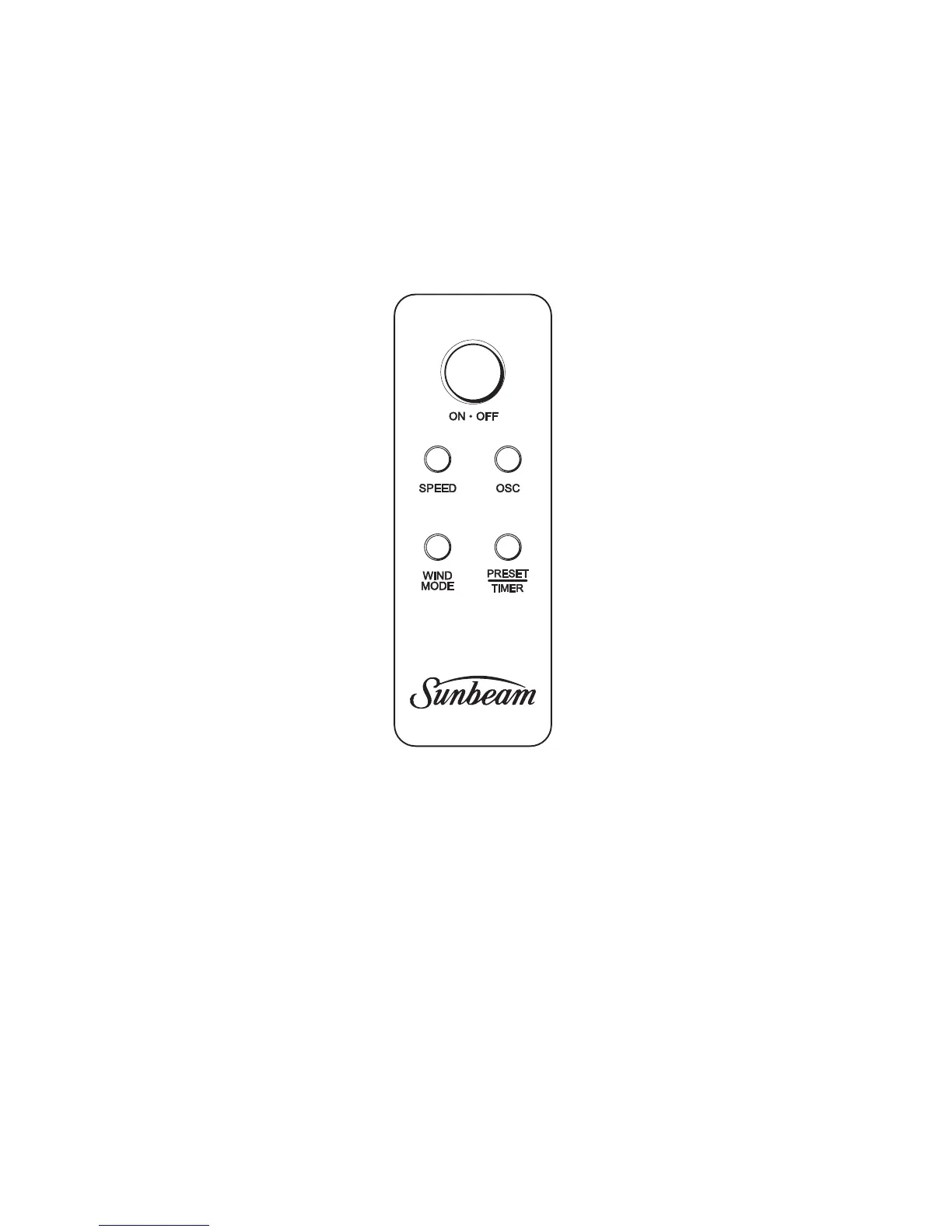
Remote Control
Remote control
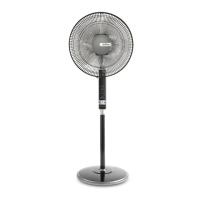
Operateswithin8metresofthe
PedestalFan.
Fan speed button
Choosefrom3speedsettings,
lowmediumorhigh.
Wind Mode
Youhaveachoiceof2Natureor
Sleepairflowtypes.
Whenusedinnaturemode,the
fanspeedisrandomlyadjusted,
givingthefeelingofanatural
breeze.
WhensettoSleepModethe
fanspeeddecreasesafter30
minutesfromhightomedium,
thenmediumtolow.Whenused
withthetimer,willultimately
switchtheunitoff.
Oscillation
Yourpedestalfanoscillates70°,
distributingcoolairthroughout
theroom.
Preset/Timer
Thepresettimerallowsyouto
setyourpedestalfantoturn
on/offafter1,2,4or8hours.
Using the remote control
1. Point the remote towards the control panel
on the front of the pedestal to operate.
Inserting or changing the batteries
1. Slide the rear cover off the remote control
unit.
2. Insert the 2 AAA batteries provided with your
pedestal fan.
3. Replace the rear cover.


 To Next Page