12
3.4.4 PV Connection
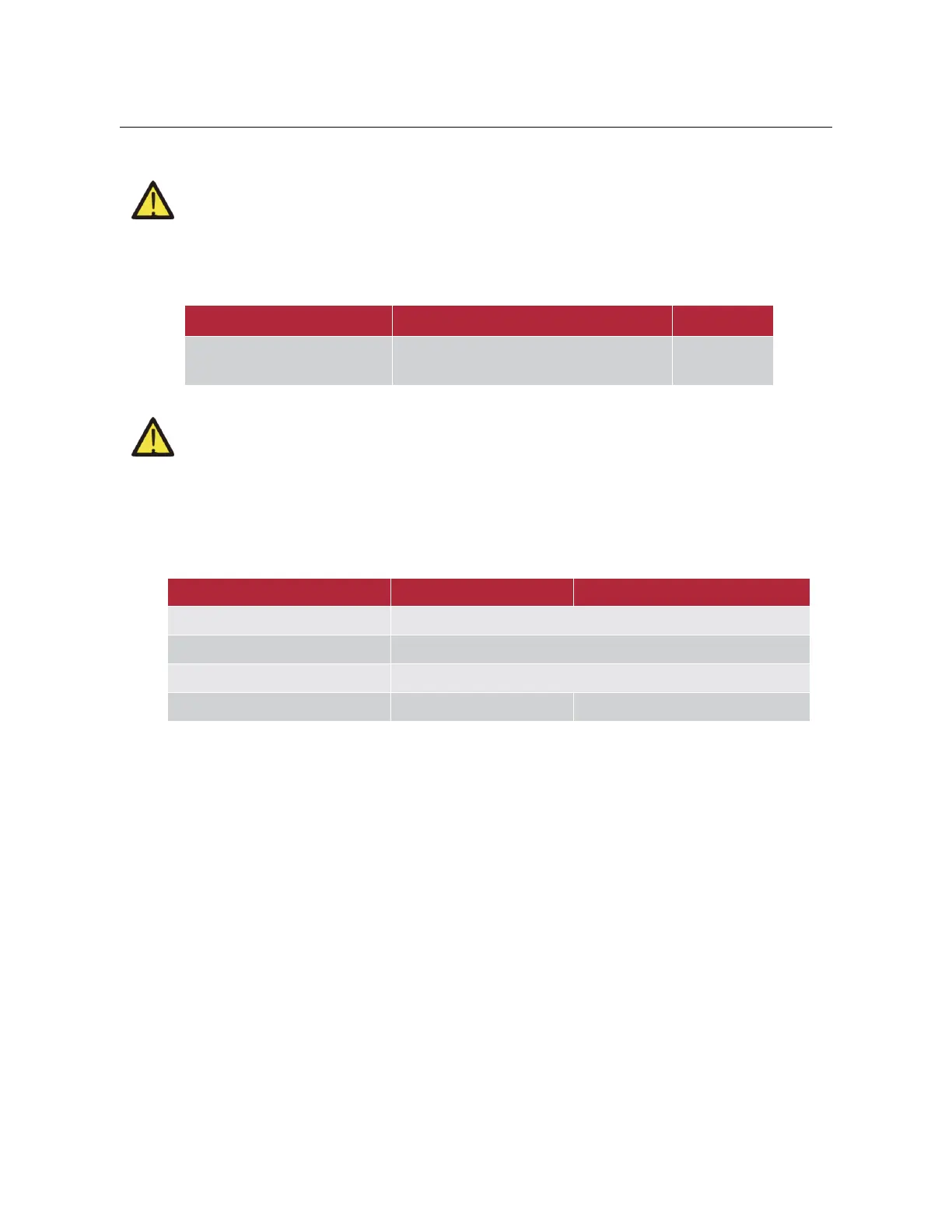
(1) Before connecting to PV modules, please install a separately DC circuit breaker between inverter
and PV modules.
(2) It is very important for system safety and efficient operation to use appropriate cable for PV module
connection. To reduce risk of injury, please use the proper recommended cable size as below.
The recommended wire specifications for AC input/output are as follows.
SunBeat 5010A/ SunBeat 8015A/
SunBeat 8020A
(3) To avoid any malfunction, do not connect any PV modules with possible current leakage to the
inverter. For example, grounded PV modules will cause current leakage to the inverter. When using PV
modules, please be sure NO grounding.
(4) It is requested to use PV junction box with surge protection. Otherwise, it will cause damage on
inverter when lightning occurs on PV modules.
(5) When selecting proper PV modules, please be sure to consider below parameters:
Open circuit Voltage (Voc) of PV modules not exceeds max. PV array open circuit voltage of inverter.
Open circuit Voltage (Voc) of PV modules should be higher than min. start voltage.
SunBeat 8015A/ SunBeat 8020A
PV Array MPPT Voltage Range
No. of Strings per MPP Tracker
Follow the steps below to complete the PV cable connection:
y Strip the insulation layer of the cable with a length of 8mm, put on the terminal, and then crimp the cable with a
crimping tool.
y Check whether the polarity of the wiring from the photovoltaic module is correct. Then connect the positive pole
(+) of the cable to the positive pole (+) of the PV terminal. Connect the negative pole (-) of the cable to the
negative pole (-) of the PV terminal.



 To Next Page