SunFounder PiPower
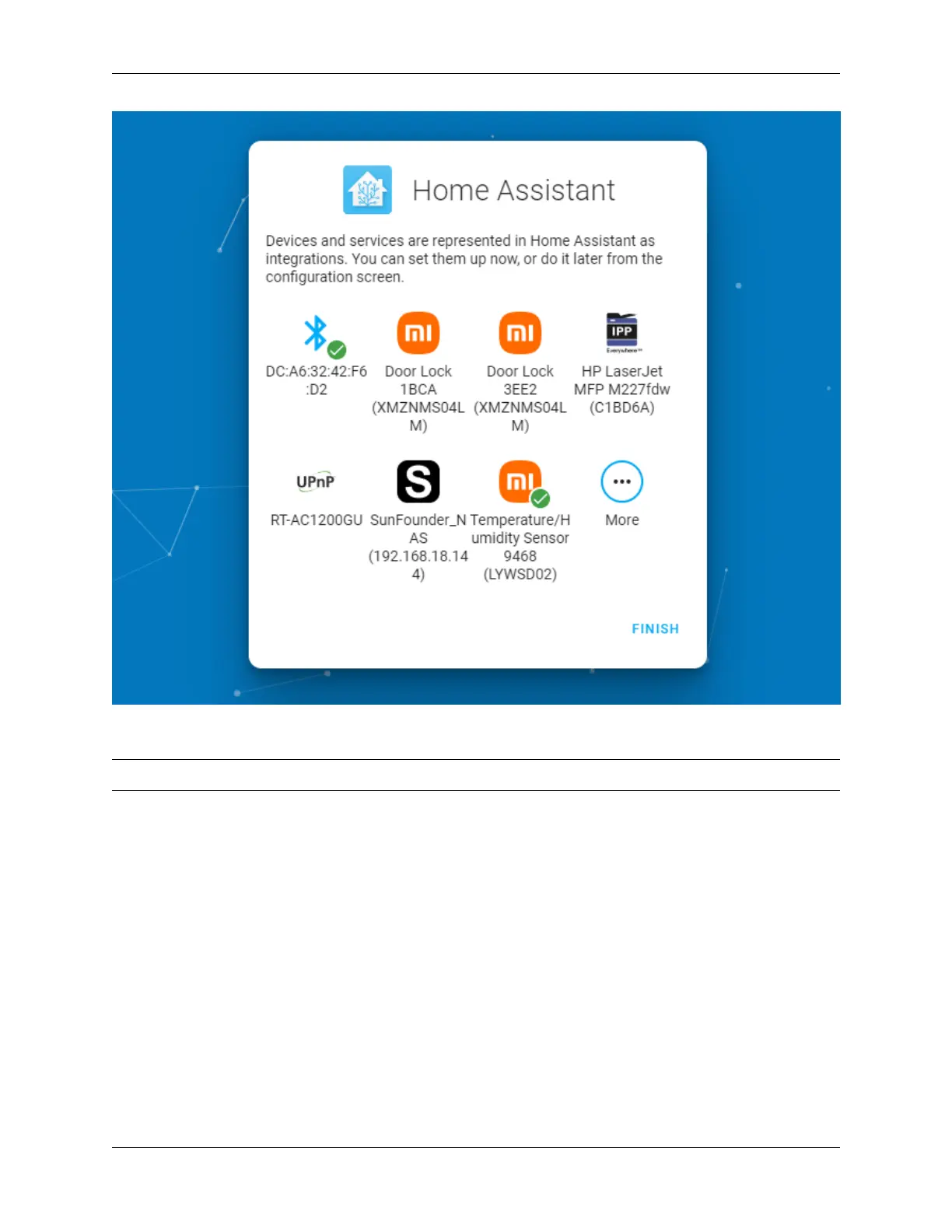
Now you’ve set up Home Assistant.
Note: If you already have Home Assistant, please ignore.
Setup Your PiPower-Pro Card in Home Assistant:
4.2 Add PiPower Pro in Home Assistant
Step 1
Install the battery.
Step 2
Connect the USB-C charger until all four battery indicators are lit (this means the battery is fully charged). Press the
power button to turn it on.
Step 3
Configure the network for PiPower Pro. Search for Wi-Fi on your phone (or other device) and connect to PiPower
Pro Fallback Hotspot. The password is 123456.
4.2. Add PiPower Pro in Home Assistant 29



 To Next Page