SunFounder PiPower
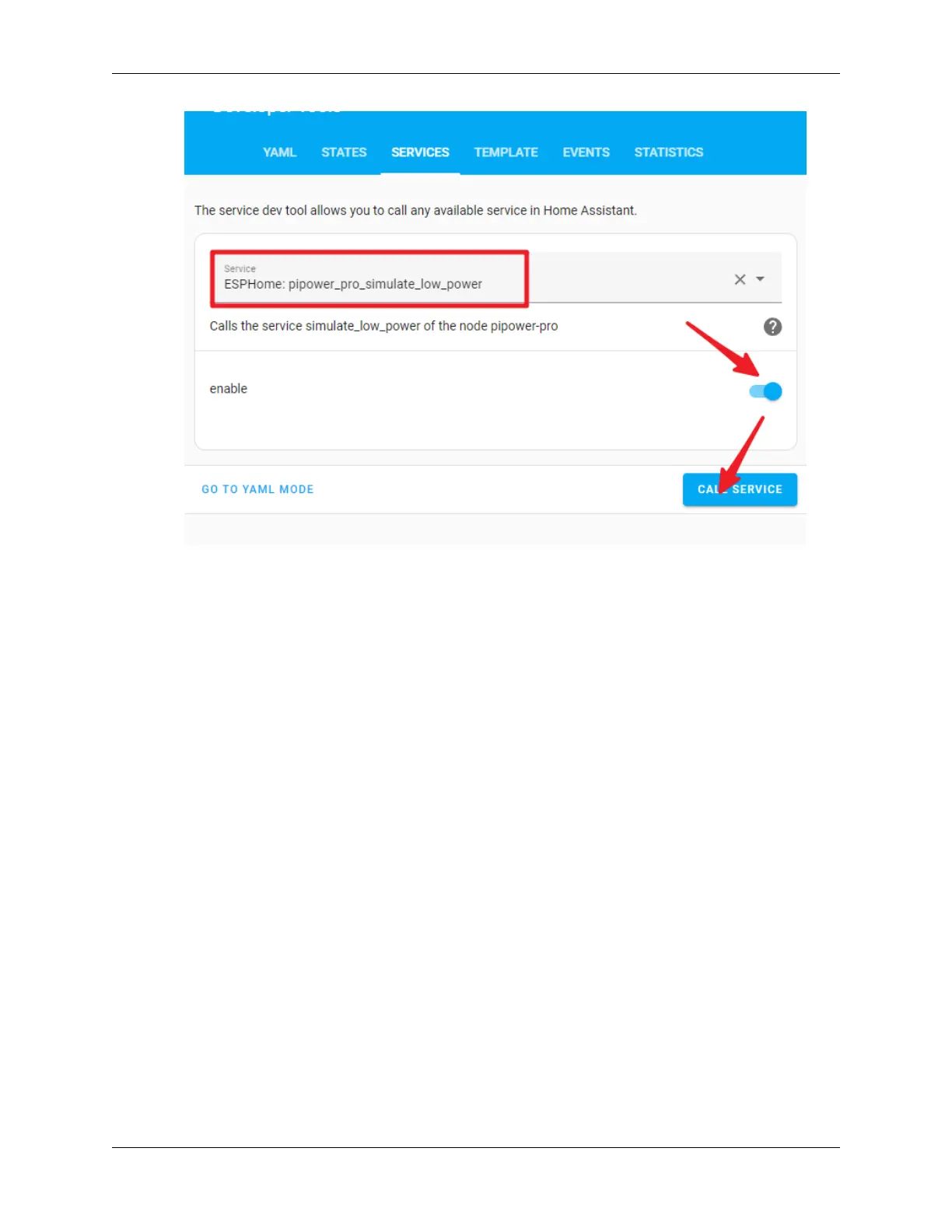
You will see the PiPower battery light go off, and the battery level drop to 10% in the overview.
The Raspberry Pi will then shut down, and 2 seconds after it completes the shutdown, the PiPower Pro will power off,
and the PWR light will go off.
4.7 Coulomb Counter (Beta)
The Coulomb Counter algorithm can improve the accuracy of battery capacity calculation, but it is currently in the beta
stage and may result in serious inaccuracies. Please use it with caution.
Enable the Coulomb Counter
1. Go to the Home Assistant page and click on “Developer Tools” on the left sidebar.
2. In the Developer Tools page, select the “Services” tab.
3. In the list of services, choose ESPHome: pipower_pro_enable_coulomb_count_beta.
4. Turn on the switch for enable_coulomb_count_beta.
5. Click the Call Service button below.
6. You can check the currently selected battery capacity algorithm in the entity sensor.
pipower_pro_battery_capacity_algorithm.
Algorithm
The Coulomb Counter algorithm calculates the energy by integrating the current and voltage measurements of the
battery every second.
Capacity += Voltage * Current
Matching
54 Chapter 4. Start to Play



 To Next Page