SunFounder PiPower
(continued from previous page)
from: "off"
to: "on"
condition: []
action:
- type: turn_on
device_id: a0ee4e356c85c4f69f765ed72baad129
entity_id: switch.pipower_pro_sub_device_power
domain: switch
mode: single
Step 5
We use a simulated low-power state to trigger the test:
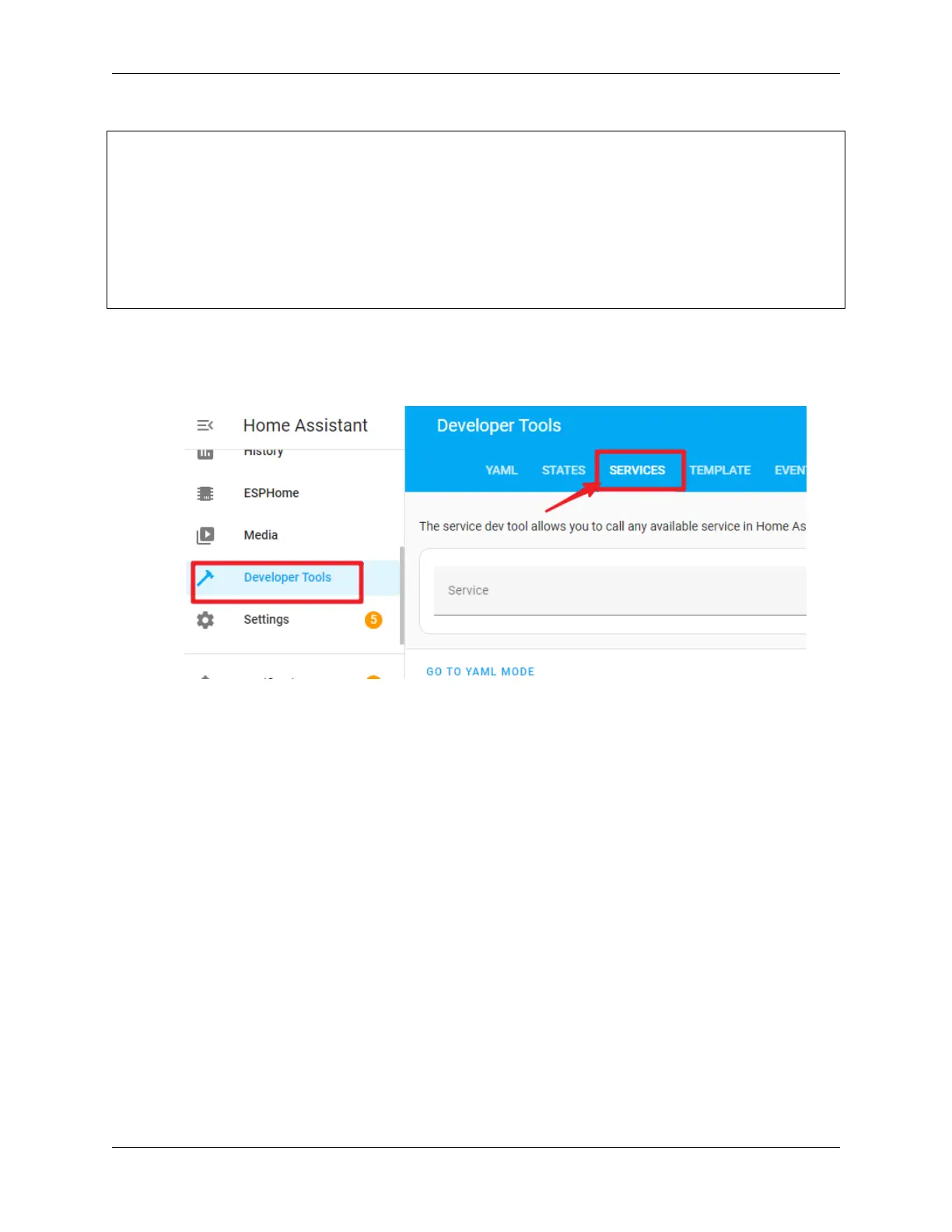
1. Open the SERVICES interface in Developer Tools.
2. Find ESPHome: pipower_pro_simulate_low_power, enable it, and click the “Call Service” button.
4.6. Setting up Safe Shutdown 53



 To Next Page