SunFounder PiPower
Step 10
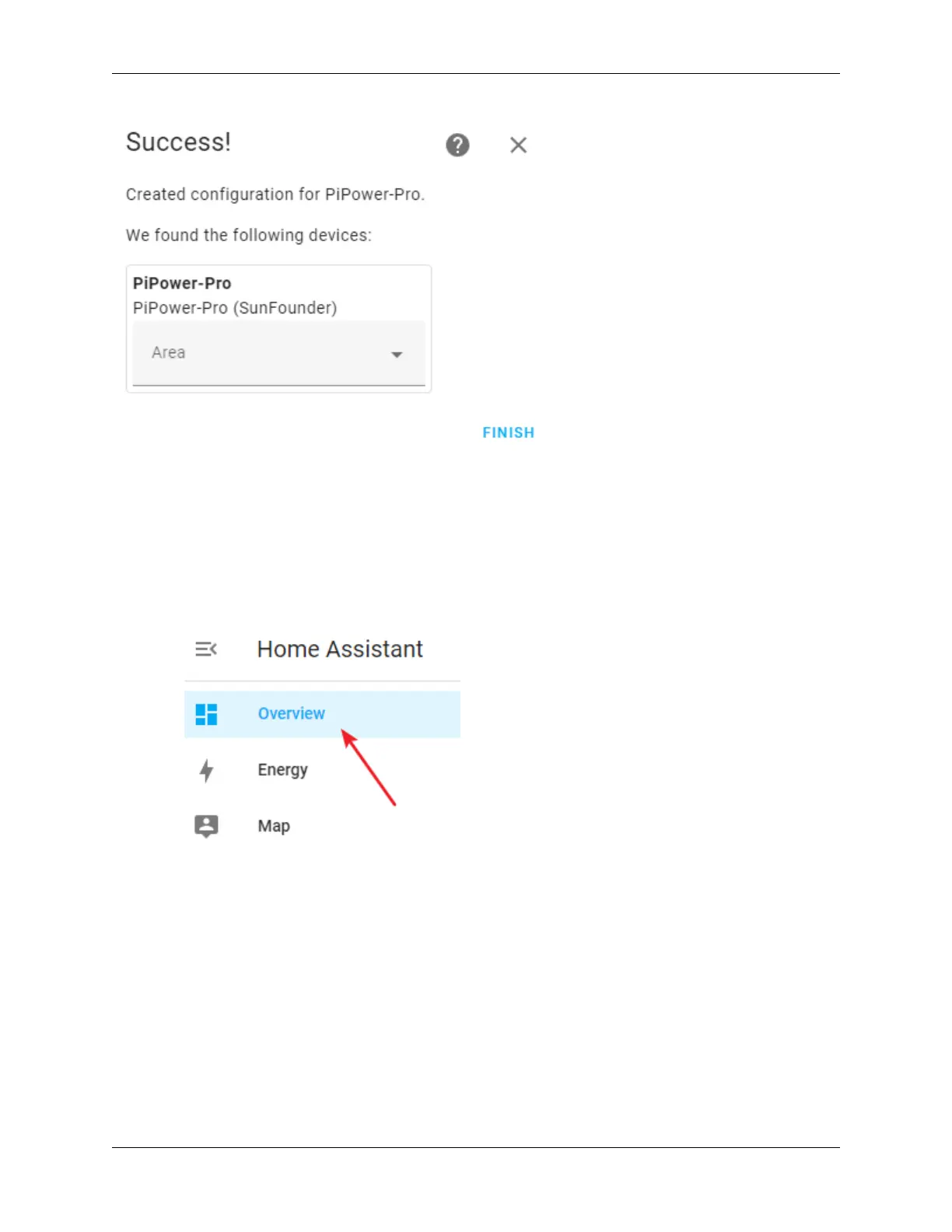
You have now successfully added PiPower Pro. You can add the PiPower Pro configurations you need on the dashboard.
4.3 Configure Dashboard
1. On the Home Assistant page, click Overview on the left sidebar, which leads you to the control page.
2. Click the menu button, then select Edit Dashboard.
4.3. Configure Dashboard 35



 To Next Page