CHAPTER
FOUR
4. SETTING UP YOUR RASPBERRY PI
4.1 Setting Up with a Screen
Having a screen simplifies the process of working with your Raspberry Pi.
Required Components
• Raspberry Pi 5/4 Model B
• Power Adapter
• Micro SD card
• Screen Power Adapter
• HDMI cable
• Screen
• Mouse
• Keyboard
Steps:
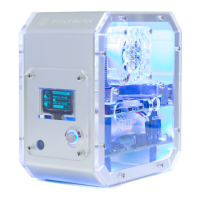
1. Insert the Micro SD card with Raspberry Pi OS installed into the Pironman U1.
2. Connect the Mouse and Keyboard to the Pironman U1.
3. Use the HDMI cable to connect the screen to the Pironman U1’s HDMI port. Ensure the screen is plugged into
a power source and turned on.
4. Power the Pironman U1 using the power adapter. The Raspberry Pi OS desktop should appear on the screen after
a few seconds.
15


 To Next Page