SunFounder Pironman
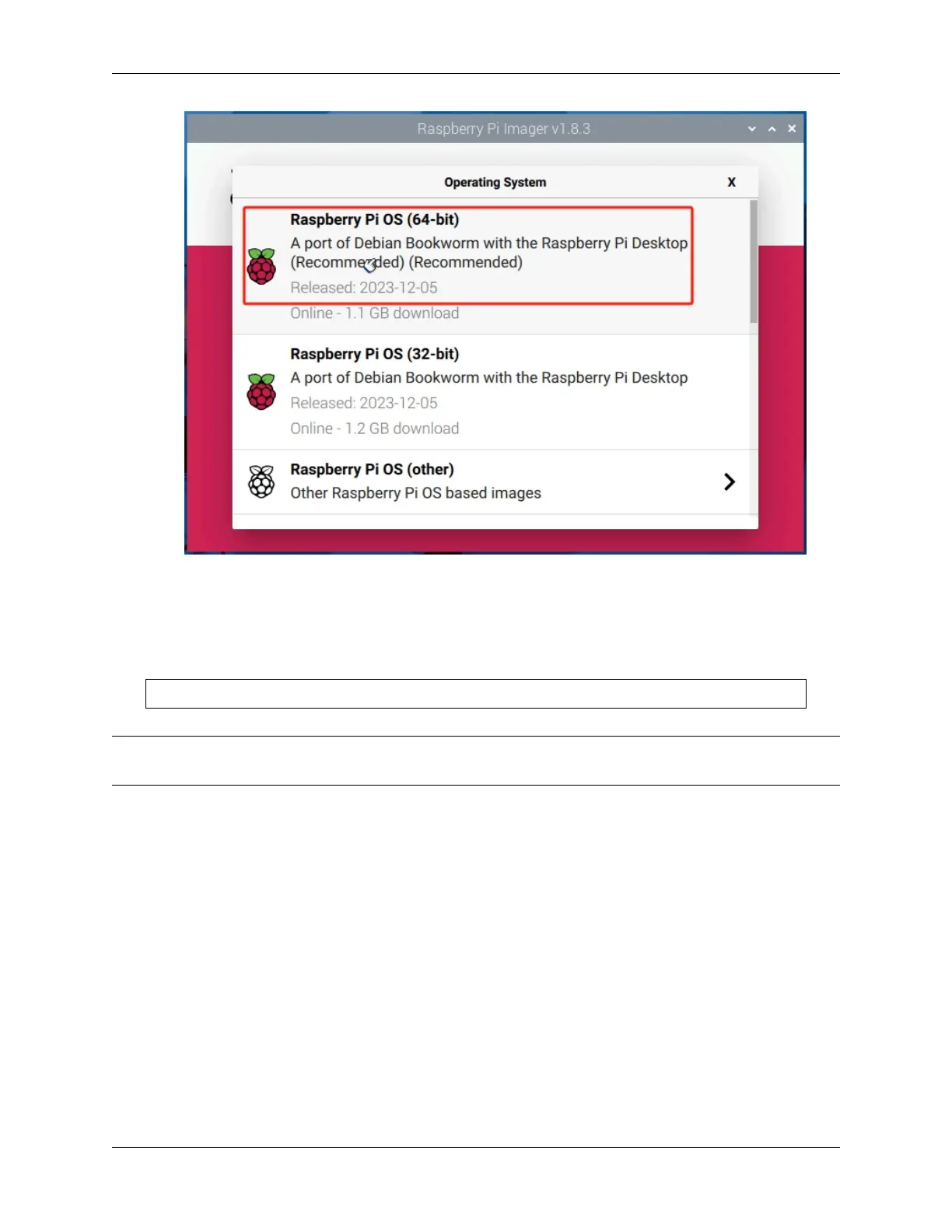
4. Select the NVMe SSD card.
5. After configuration, click Yes.
3. Restart Pironman 5
After restarting the Raspberry Pi, it will boot from the SSD.
sudo reboot
Note: If you are using the Raspberry Pi Imager to install the system on the SSD, you will need to reconfigure the
setup after the Raspberry Pi boots up by following the steps to 5. Quick User Guide.
56 Chapter 6. 6. About Hardware


 To Next Page