SunFounder Pironman
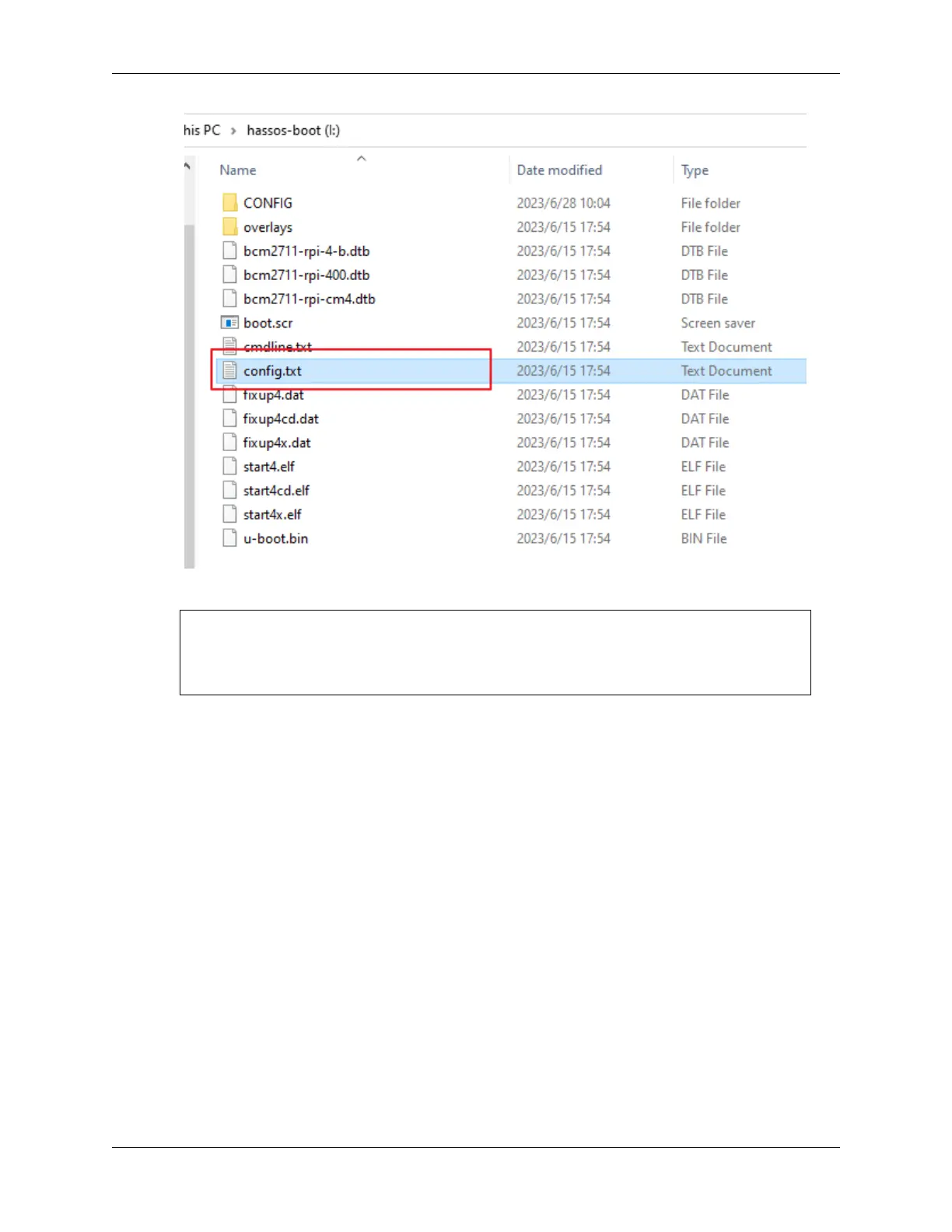
2. Append the following settings at the end of the file:
dtparam=i2c_vc=on
dtparam=i2c_arm=on
dtoverlay=gpio-poweroff,gpio_pin=26,active_low=0
dtoverlay=gpio-ir,gpio_pin=13
3. Save and close the file.
4. Accessing Home Assistant
Eject the microSD card from your computer and insert it into your Raspberry Pi. Connect the power supply (and
Ethernet cable, if applicable).
From your computer, go to homeassistant.local:8123.
Initial setup of Home Assistant may take some time during first use.
70 Chapter 7. Home Assistant(Pi 4)


 To Next Page