___________________________________________________________________________________
23
Windows Driver Uninstallation
Please refer to following instructions uninstall Multi-I/O card driver.
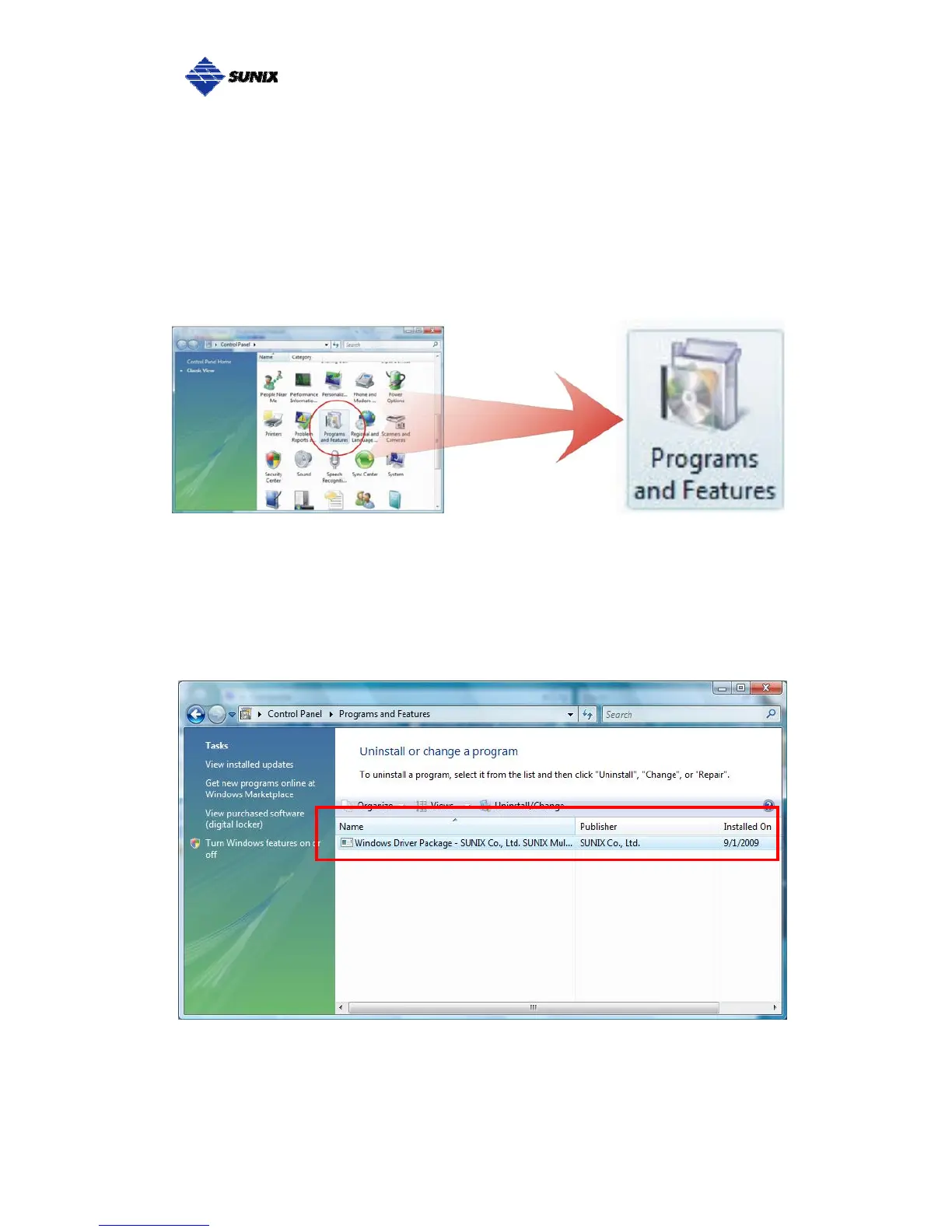
(1) Click on the “Programs and Features” tab in the Windows Control Panel.
Start > Controller Panel > Programs and Features
(2) Entry Uninstall or change a program page, and double click “Windows
Driver Package – SUNIX Co., Ltd SUNIX Multi-I/O Controller” to process
driver uninstallation procedure.



 To Next Page