___________________________________________________________________________________
29
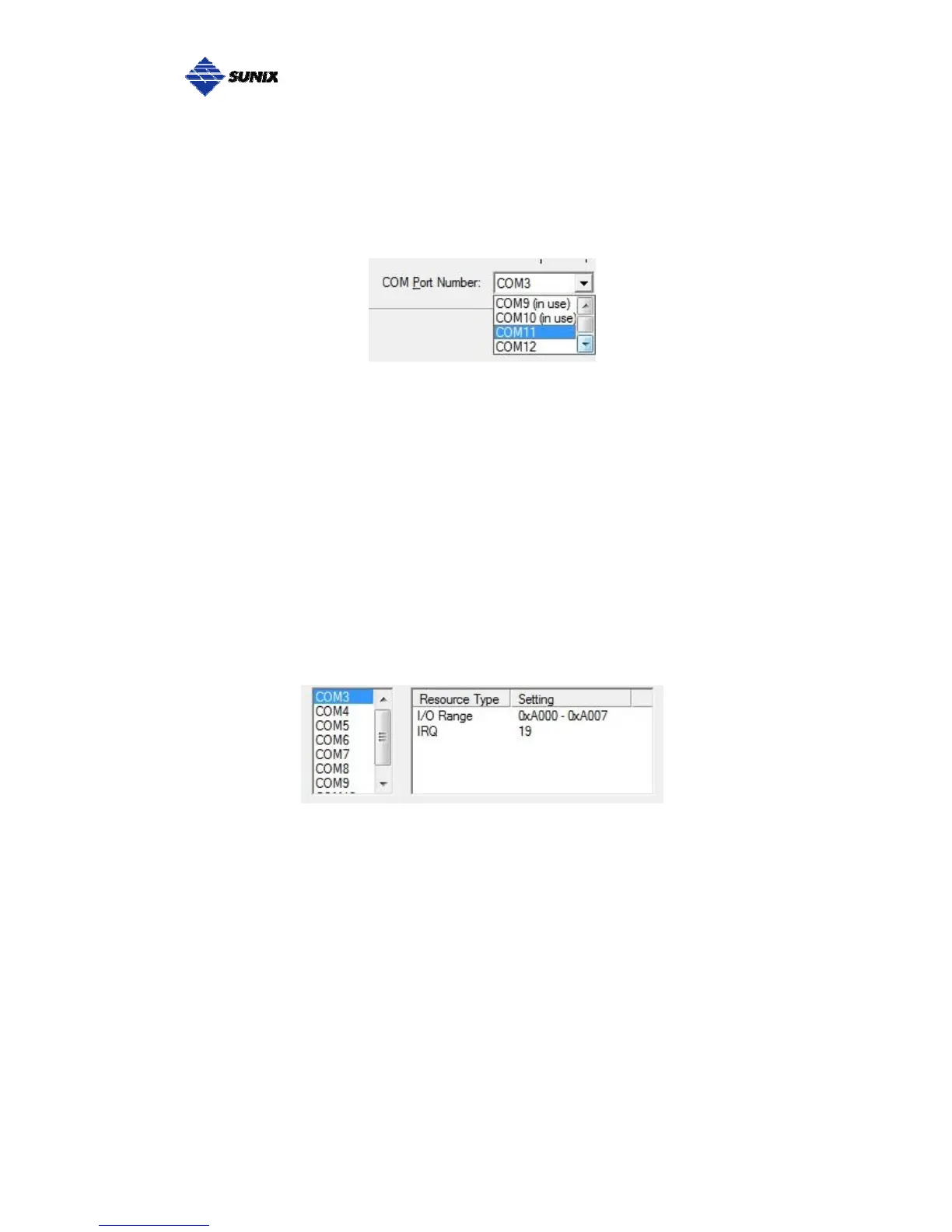
COM Port Number Settings
Under Port Number, select a COM number to assign to the serial port. Click
“OK” to approve the settings for the selected port.
Note: In order to prevent system resource conflict, do not select “in use” port.
COM I/O Resource
User can read the COM “IO Range” and “IRQ” located in system by selecting
COM port.
IRQ and I/O address is automatically assigned by the mainboard PCI BIOS
automatically (before COM card driver installing). User can NOT assign legacy
ISA address (3F8, 3E8, 2F8, 2E8) for the specific COM port. But for IRQ setting,
user can set specific IRQ value for this PCI bus slot via mainboard’s BIOS
settings (not via SUNIX driver). But all COM ports will share one IRQ value.



 To Next Page