___________________________________________________________________________________
26
Verify Installation
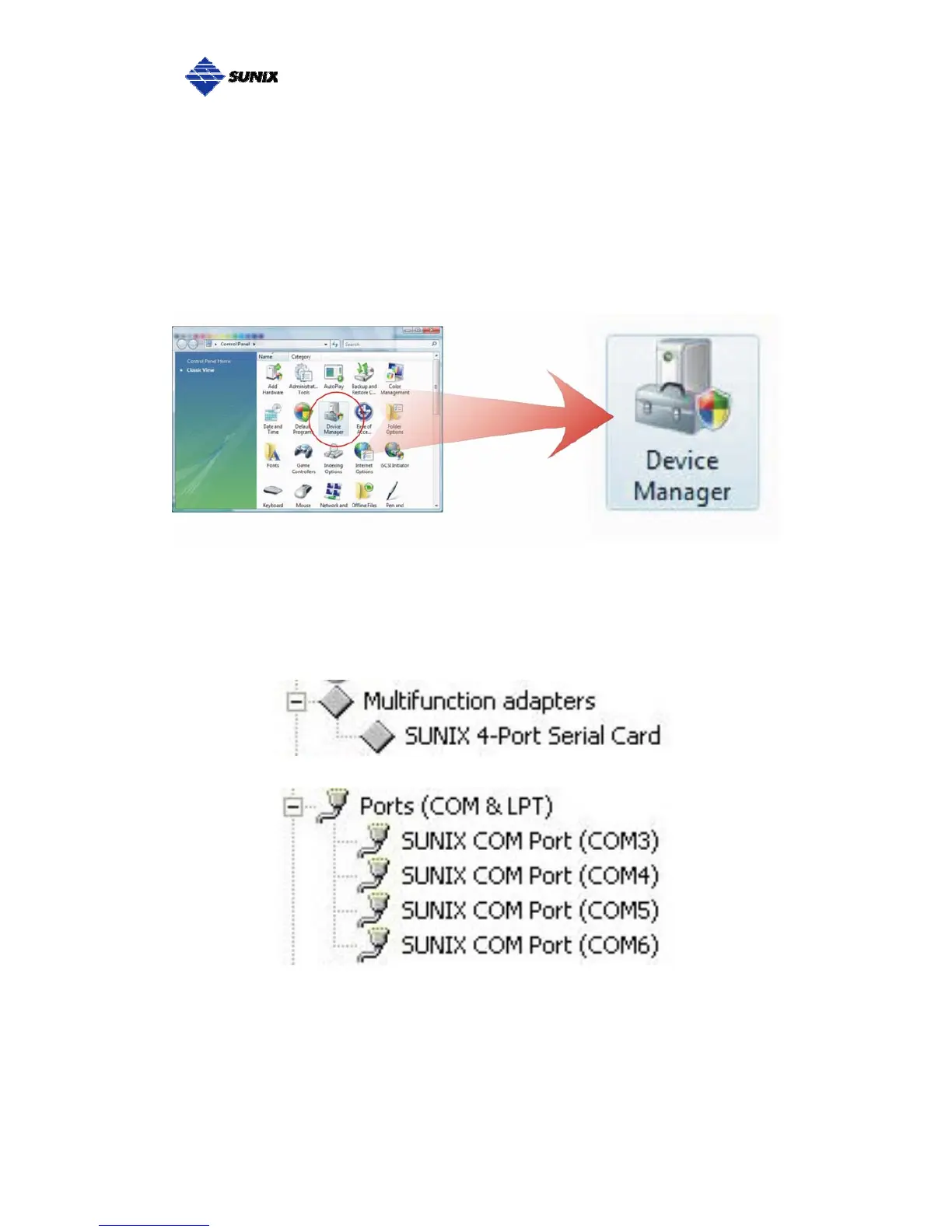
You can use Windows “Device Manager” to verify proper installation.
(1) Click on the “Programs and Features” tab in the Windows Control Panel.
Start > Controller Panel > Device Manager
(2) In the Device Manager window, you should see this board under
Multifunction adapters (4-port RS-422/485 Serial Card in this example).
You should also see SUNIX COM port under Ports (COM & LPT).



 To Next Page