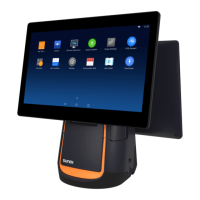
Introduction to the POS
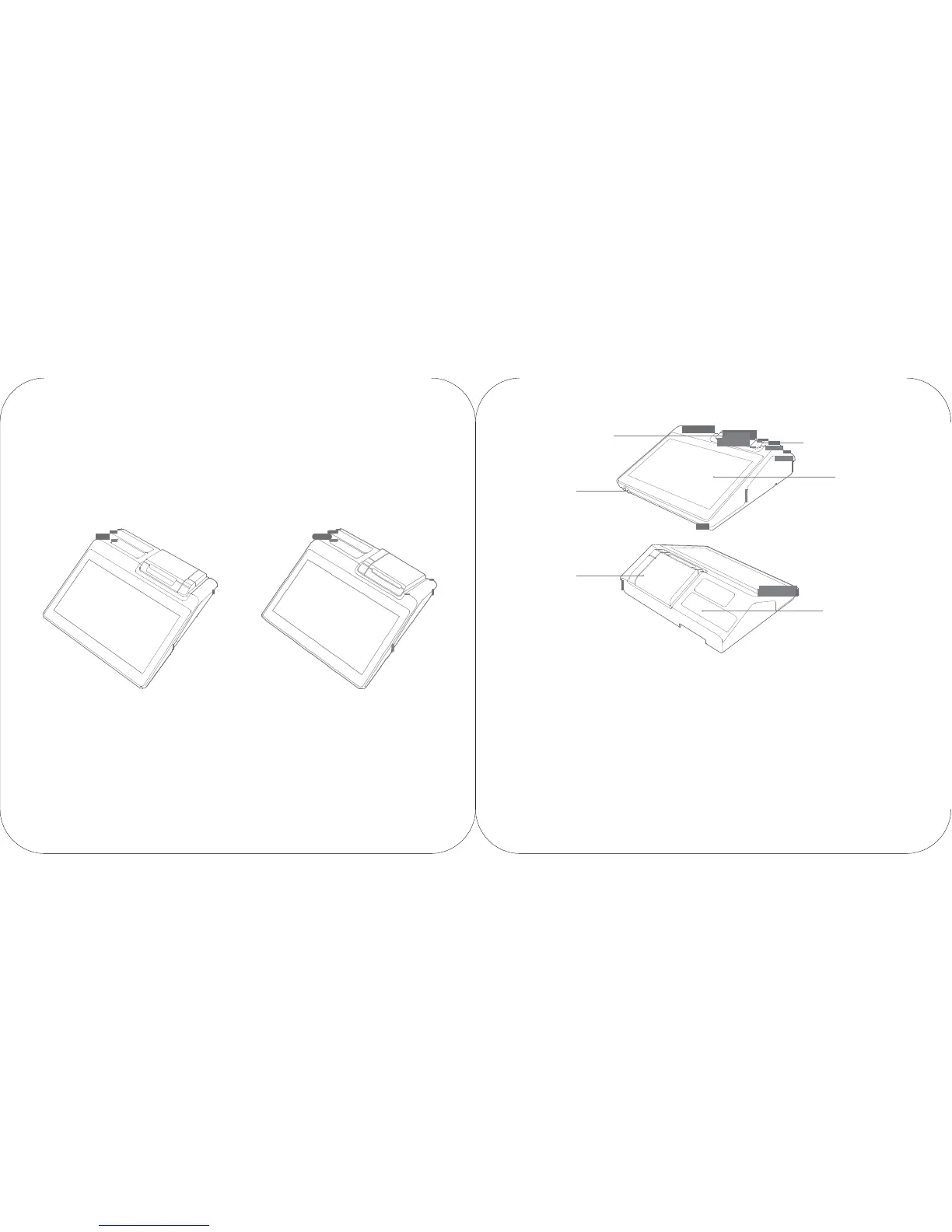
paper output exit of the
printer
ON
button
button to open the cover of the
printer
main screen
cover of the
printer
price-displaying
screen
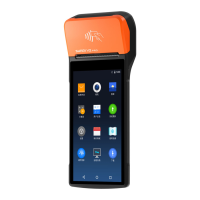
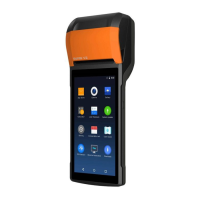
58 thermal printer version 80 ther mal printer version
( W1300)
( W1302)
Paper output exit of the
printer
It is used to print receipts when the device is on.
Button to open the cover of the
printer
It is used to open the cover of the printer and change
the paper.
Main screen
It is the touch screen used by the operator.
ON
button
W hile the device is off , click the ON button to turn on
the machine;
While the device is under use, press ON button for 2
to
3 seconds to turn on or turn off the device.
While the device is on, press ON button for
11
seconds to turn off the device.
Price-displaying screen
It is used for displaying the price information of the
customer.



 To Next Page