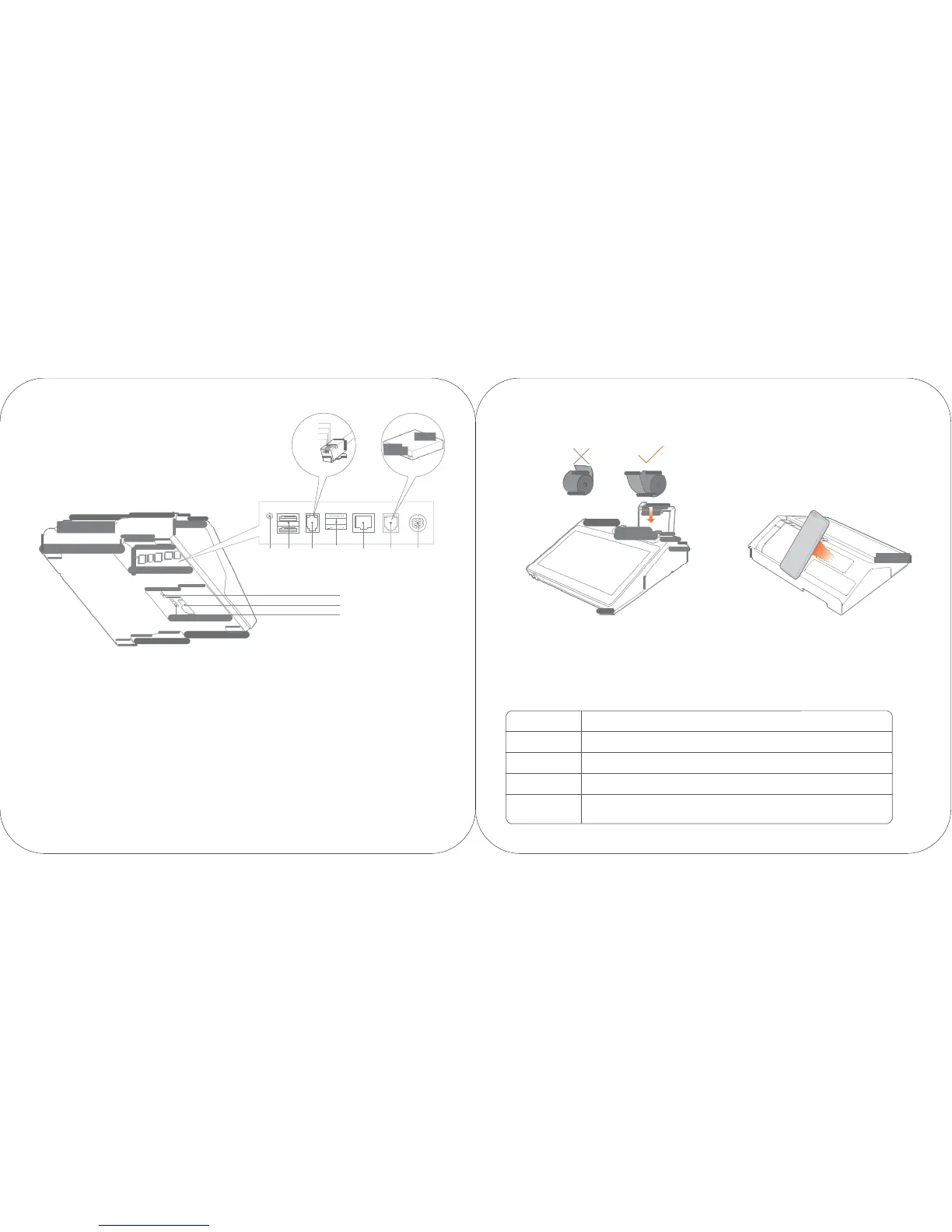
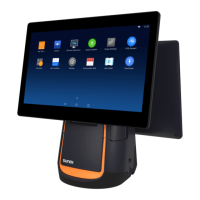
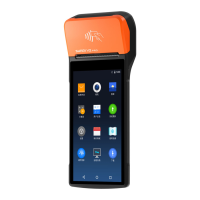
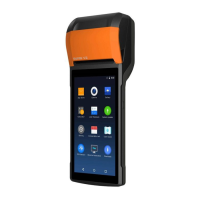
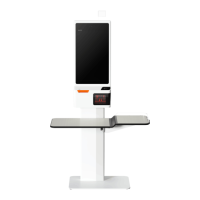
audio USB serial USB LAN cashbox power supply
output
port
port
port
port
port
port
TF card
slot
It is used for external expansion TF memory card.
Micro USB debugging
port
TF card
slot
debugging
button
Description of the paper
58 version supports the thermal paper with the seize
of
57±0.5 m m × Ø
60 m m ;
80 version supports the ther mal paper with the size
of
79±0.5 m m × Ø
60 m m 。
Regular fault
debugging
Description to QR code scanning by cellphone
The version with the function of QR code scanning supports
this function and can recognize the QR code for payment by
cellphone.
Micro USB debugging port, debugging
button
They are used to debug the device.
Problems Solutions
Cashbox
port
It is used to connect the cashbox, with an electrical im pulse
of
120 ms and no continuous po wer
supply being provided. This device only supports external connection with 24V/1A cashbox.
If
12V cashbox is used, there may be risks that the circuit of the cashbox will be burnt.
What if the
printer
is dead?
What if the
printer
does not work?
What if the
printed
paper is blank?
What if the
printing
is blur?
Press
the O N button for 11 seco n d s, then the printer is off . Click the ON
button to turn the printer on.
Make sure the cover is closed
correctly.
Make sure whether the paper is jammed.
Please check whether the paper roll is put upside down;
Please check whether wrong therVmal paper roll is used.
Please check whether the thermal printhead is dirty. If it is, please clean it with swab
that
has been dipped in anhydrous alcohol.
Please use quality thermal paper to avoid blur printing due to bad quality of paper.



 To Next Page