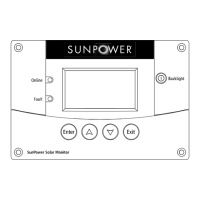
SunPower Solar Monitor Owner’s Guide
8 975-0294-01-01
4. Secure the mounting plate by tightening the two screws
to rotate the tabs to the horizontal position (see Figure 6)
and pull the tabs tight against the inner surface of the
wall. Be careful not to overtighten the screws and
damage the wall.
Figure 5
Inserting the Mounting Plate
Figure 6
Securing the Mounting Plate
Tabs in vertical position
Rotate tabs to
horizontal position
SunPower-Wired-Remote.book Page 8 Friday, July 7, 2006 5:09 PM


 To Previous Page
 Loading...