A
when turn alarm clock, the symbol will display on LCD.
Press any button to turn off alarm. Or keeping 30 seconds, it will
stop alarm automatically.
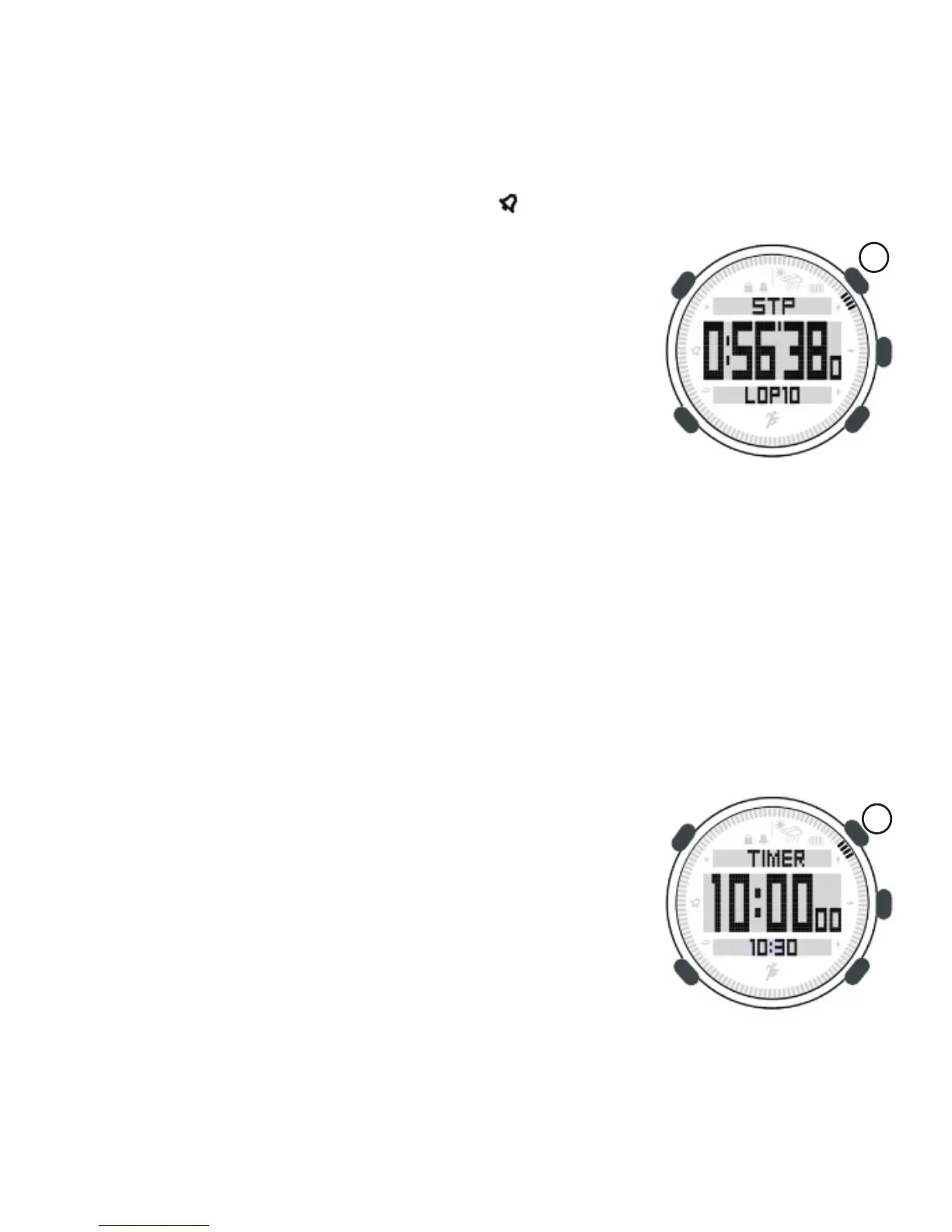
1) Under time
2) Press [A] to start, stop or restart stopwatch
3) Press [B] to record each lap, total 10 group
4) Press [C] to review data when stopwatch stop to record
5) Press [A] or [B] to switch each lap
6) Press [B] 2 seconds to reset stopwatch
1) Under time mode, long press [M] to enter setting mode
2) Press [C] to enter to time-date
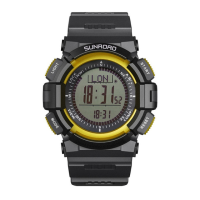
3) Press [A] two times to countdown timer
4) Press [C] to enter into countdown timer setting
5) Press [C] to switch among hour, minute and second in turn.
6) Press [A] or [B] to set data
7) Press [L] to save and exit setting
Start to countdown,
1) Under time mode, press [M] three times to
enter countdown timer mode
Press [B] 2 seconds to reset countdown timer
6.3 Stopwatch
mode, press button [M] twice
to enter stopwatch.
6.4 Countdown timer
Countdown timer setting,
2) Press [A] to start, stop and restart.
3)
A
8


 To Next Page