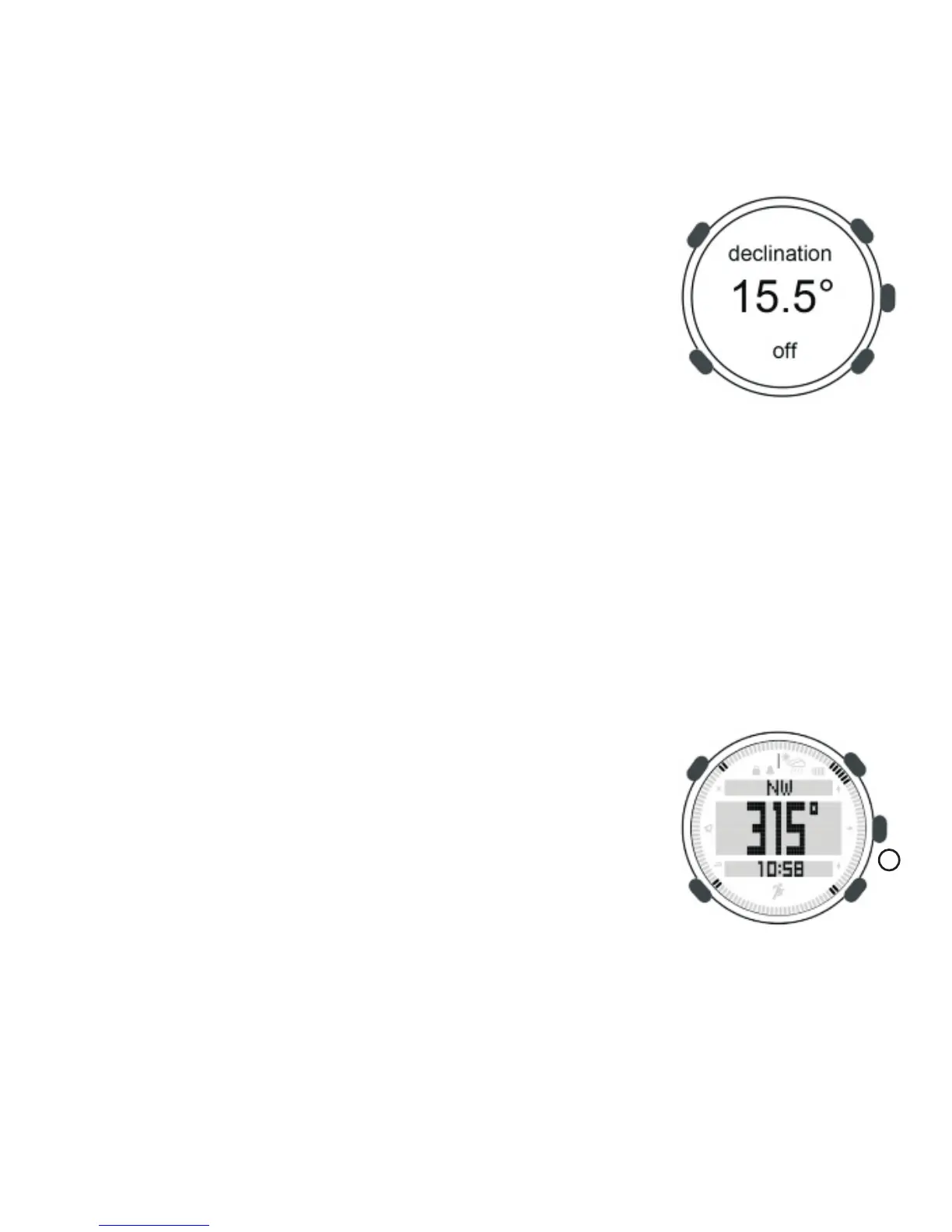
magnetic north. The declination is positive when
the magnetic north is east of true north. The
declination is negative when the magnetic north
is west of true north. To determine the declination
for your location, visit: http://www.ngdc.noaa.gov
/geomagmodels/Declination.jsp
For example, Phoenix, AZ produces the following
result: Declination = 10 degrees 59 minutes changing 6 minutes
per year). To convert to decimal format: Declination = 10+ 59'/60
('/nteger, Declination = 11play. This will offset magnetic north by +
11 degrees (or 11 degrees to the East) to true north. Note that the
magnetic declination changes as a function of time for your location.
In the above example, the declination changes -6 minutes (or 0.10
time function is insignificant.
Magnetic declination setting,
1) Under time mode, long press [M] to enter setting mode
2) Press [A] in turn to compass
3) Press [C] to enter declination
4) Press [A] or [B] to set data
5) Press [L] to save and exit setting
8.2 Using compass
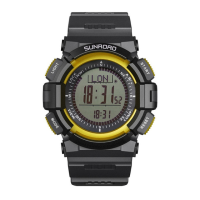
Under time mode, press button [C] to enter
compass mode.
LCD display:
- Upper: Bearing code (such as NE, SW, ESE etc.)
- Middle: Degree (This degree is measured degree between north
C
16



 To Next Page