A
7.3 Weather forecast
Under time mode, weather forecast will display on top of LCD.
Weather forecast have four style: sunny - partly cloudy - cloudy -
raining. The accuracy of weather forecast is 70%.
When climbing or under altimeter mode, the accuracy of weather
forecast will be influenced. If it is not accuracy enough, please
calibrate it base on item 5.4.
7.4 Altimeter
ltimeter mode, press [C] to check altitude
record. Press [A] or [B] to browse altitude record in turn.
Under time mode, press [A] to enter altimeter mode.
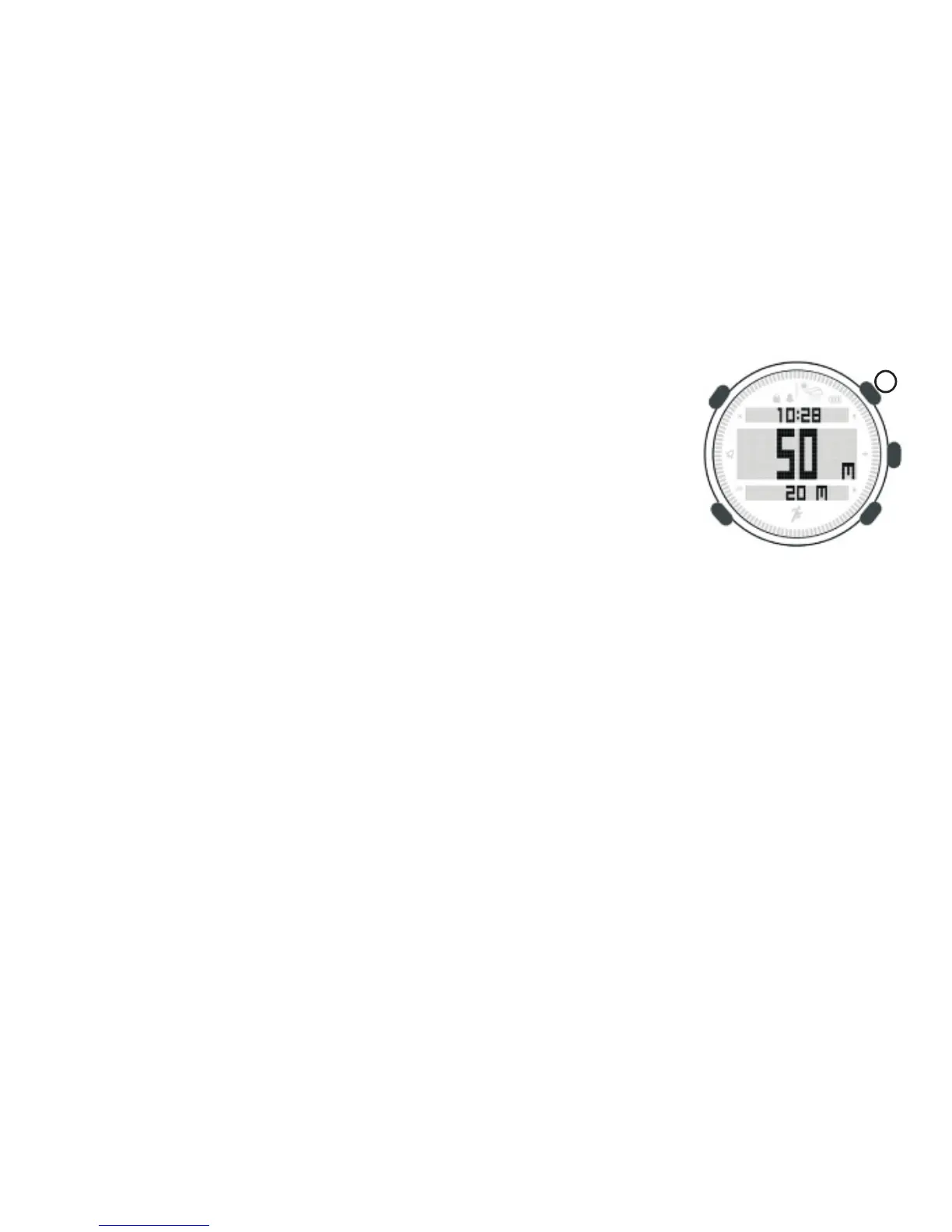
LCD display,
- Upper: Sports time
- Middle: Sea level altitude
- Below: Press [B] to switch among climbing altitude, temperature,
climb rate, climbing time.
PS: During measuring temperature, please take off on wrist as
body temperature will influence the accuracy.
Climbing altitude
Under time mode, press [A] to enter altimeter mode. At below of
LCD display, it is climbing altitude.
When start climbing, long press [B] to clear climbing altitude to
zero . Then press [B] to switch to climbing time (LOG 00:00:00),
press [A] to start to record climbing time.
Under climbing time record mode, press [A] can start or stop record.
Long press [B] to reset climbing altitude and time seperately.
Altitude record
Unit will record altitude every half hour and display as an altitude
trend chart. Under a
12


 To Next Page