A
Method to change unit:
1) Under time mode, long press [M]enter MENU
2) Press [A] two times to UNITS, press [C] to enter Units setting.
3) Press [A] or [B] to select setting items, press [C] to enter
selected items. Press [A] or [B] to select unit.
4) Press [L] to save and exit setting or press [M] to return back to
last menu.
● BUTTON TONE: on/off
● LCD CONTRAST: 0-10 level
● WEATHER: Sunny - Partly cloudy - Cloudy - Rainy
PS:
[L] to
[L]
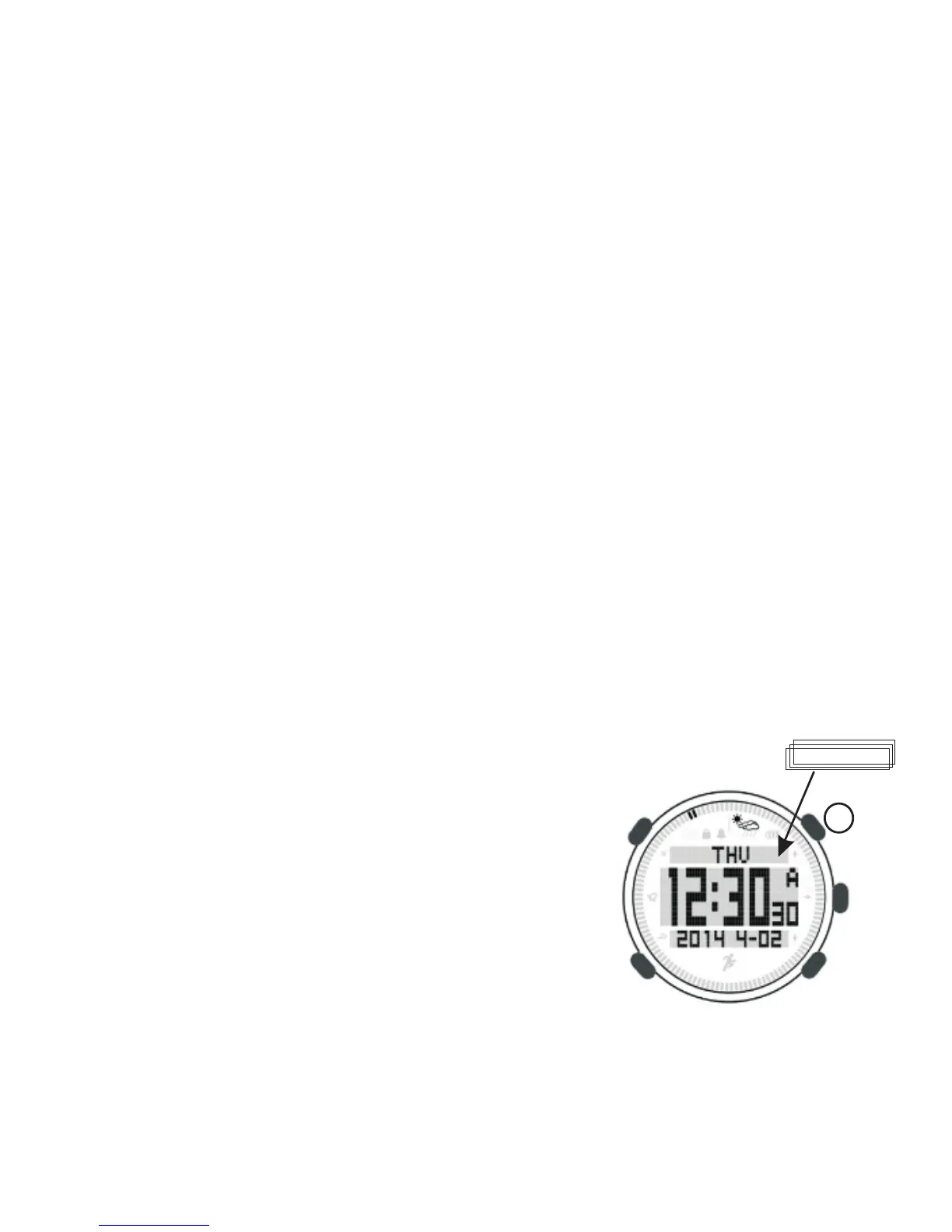
ime mode, it display week, date, time,
weather conditions. Long press [A] to switch
below items at upper LCD display,
● Week
● Sunrise and Sunset time
● World time
5.4 Changing general setting
In GENERAL you set the general settings, including:
The weather forecast accuracy is about 70%
5.5 Backlight
Press turn on backlight and it will be turned off after 5 seconds.
Under MENU, long press to turn on backlight.
6. Time mode
Under t
5


 To Next Page