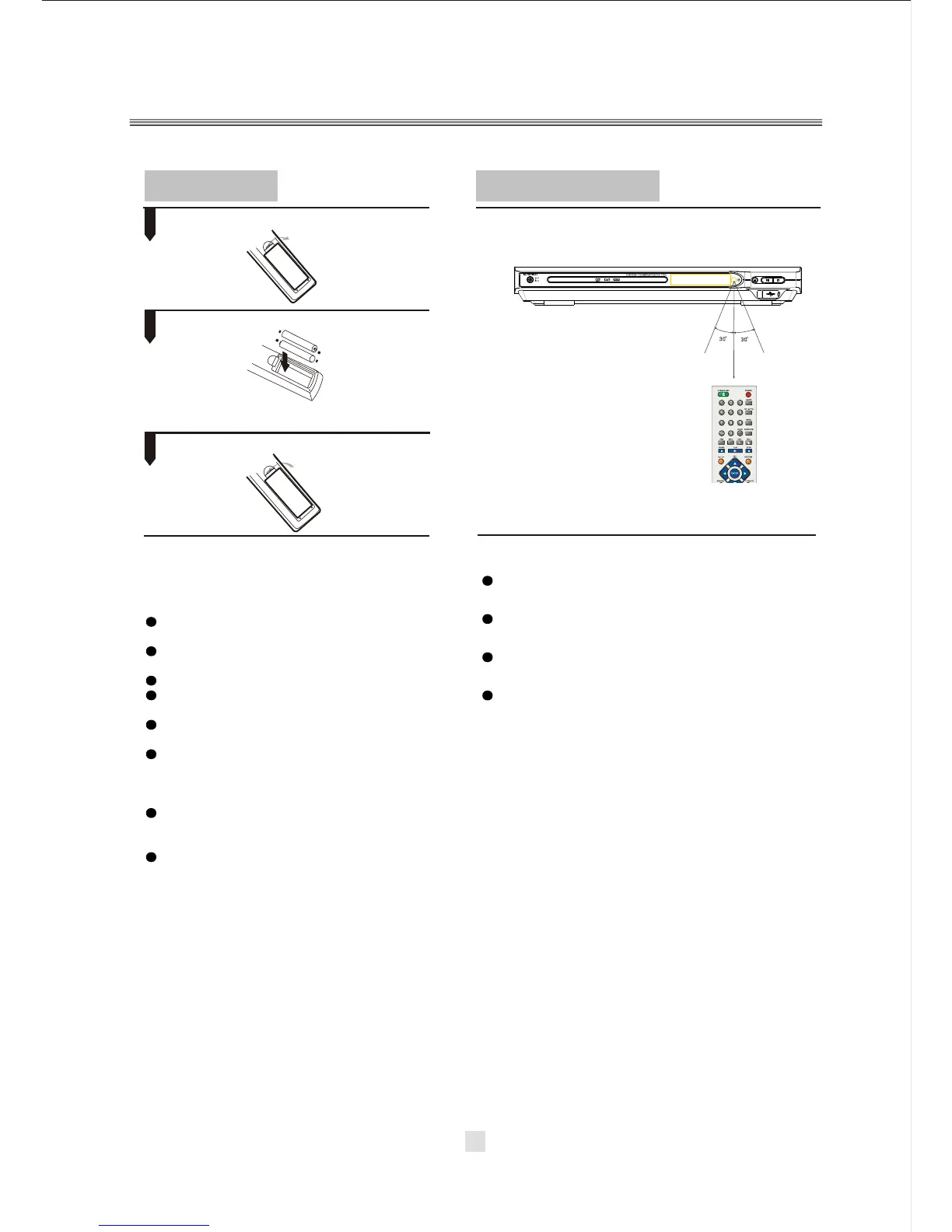
Point the remote control at the remote sensor.
Remarks: Do not expose the remote sensor of the DVD Player
to a strong light source, such as direct sunlight.
2. Insert batteries.
1. Open the cover.
3. Close the cover.
Make sure to match the "+" and "-" of the batteries
with the marks inside the battery compartment.
Insert batteries
Using the remote control
Notes:
Notes:
1
2
3
(The pictures below are for reference only.)
Improper use of batteries may cause battery
leakage and corrosion. To operate the remote
control correctly,follow the instructions below:
Do not insert the batteries in the wrong dir-
ection.
Do not charge, heat, open, or short-circuit
the batteries.
Do not throw batteries into a fire.
Do not leave dead batteries in the Remote
Control.
Do not use different types of batteries tog-
ether, or mix old and new batteries.
If you do not use the remote control for a
long period of time, remove the batteries
to avoid possible damage from battery
corrosion.
If the remote control does not function cor-
rectly or the operating range becomes re-
duced, replace all batteries with new ones.
If battery leakage occurs, clean the battery
compartment, then insert new ones.
Point the remote control directly at the
player's remote sensor.
Do not leave the remote control in an
extremely hot or humid place.
Do not spill water or put anything wet
on the remote control.
Battery life is ~1 year under normal
conditions.
14



 To Next Page