Remote Control Buttons:
1. POWER
Software Power On/Off Press <POWER> button, turn on the machine if the machine
is off, and turn it off if it is already on.
2. MUTE
Press <MUTE> button will mute the audio, and display " " on the screen.
Press < MUTE> again will cancel mute audio.
3. TITLE/TTX
In DVD mode, Returns to the disc's title. In DVB mode, this displays teletext
information.
4. MENU Menu/Play Back Control
Press <MENU> in DVD mode will return to the disc's menu. In DVB mode, this button
will bring the DVB Menu, and press <RETURN>,<MENU>or<SETUP> will return to
channel playback.
5. FAVORITE
In DVB mode, Press <FAVORITE> button to turn on the favorite Channel Groups,
Press <FAVORITE> button again will turn off the favorite Channel Groups.
NOTE: The <FAVORITE> button has no effect in DVD mode.
6. GOTO
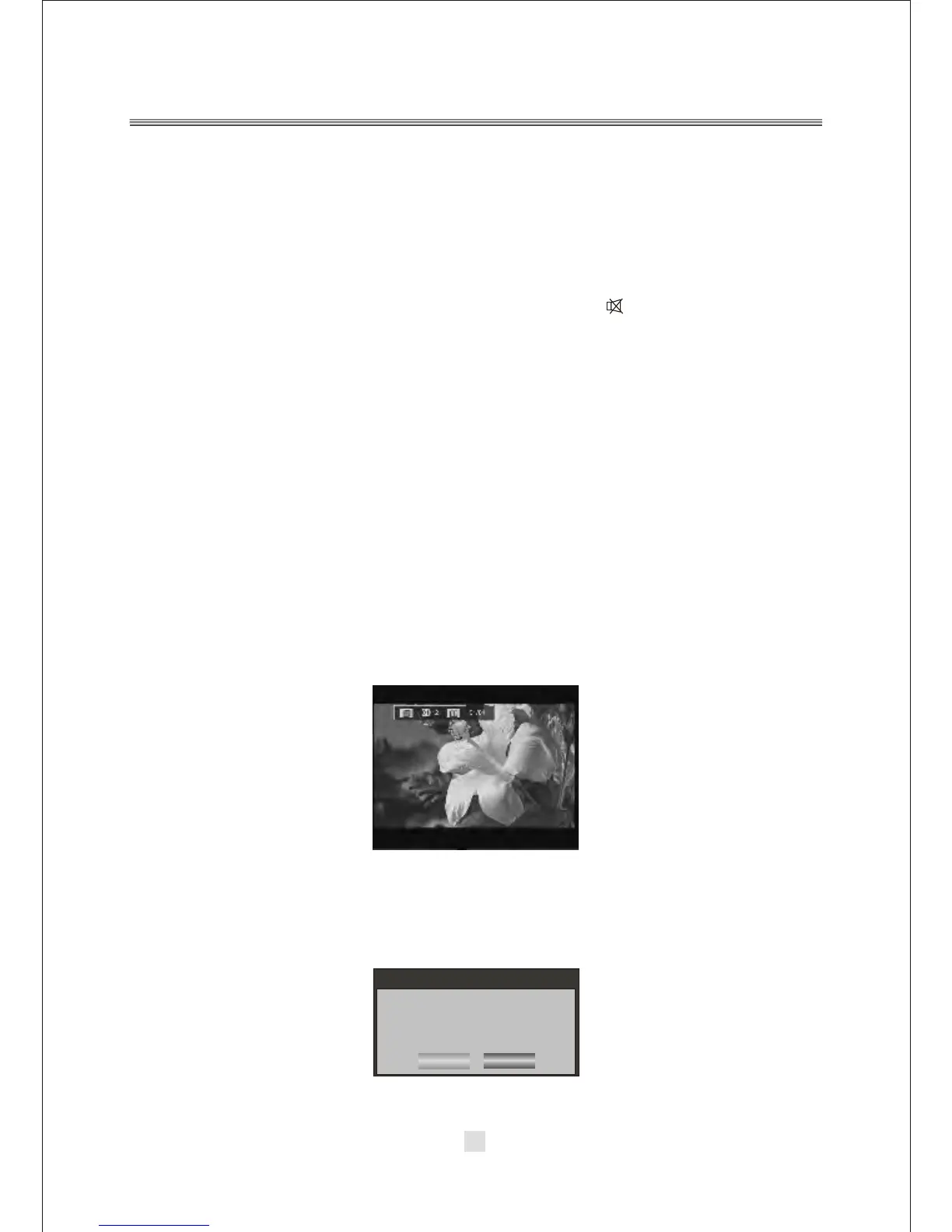
In DVD mode, pressing <GOTO> button will bring up a Goto menu, and the direction
and number buttons can be used to select Track, Title, Chapter, and Time.
In DVB mode, pressing <GOTO> will enter the Auto Scan menu. as below:
Use the number keys to input the desired Time, Title or Chapter, then press ENTER to
confirm.
15
Remote control Introduction
Message
Do you want to start
Auto Search ?
OK
Cancel



 To Next Page