The setup menu system---DVD PART
NOTE: In the DVD setup and System setting options. If you press <SETUP> into the
DVD setup and System setting option when playing disc, the some options has no
effect.
1. General Steps of setup menu
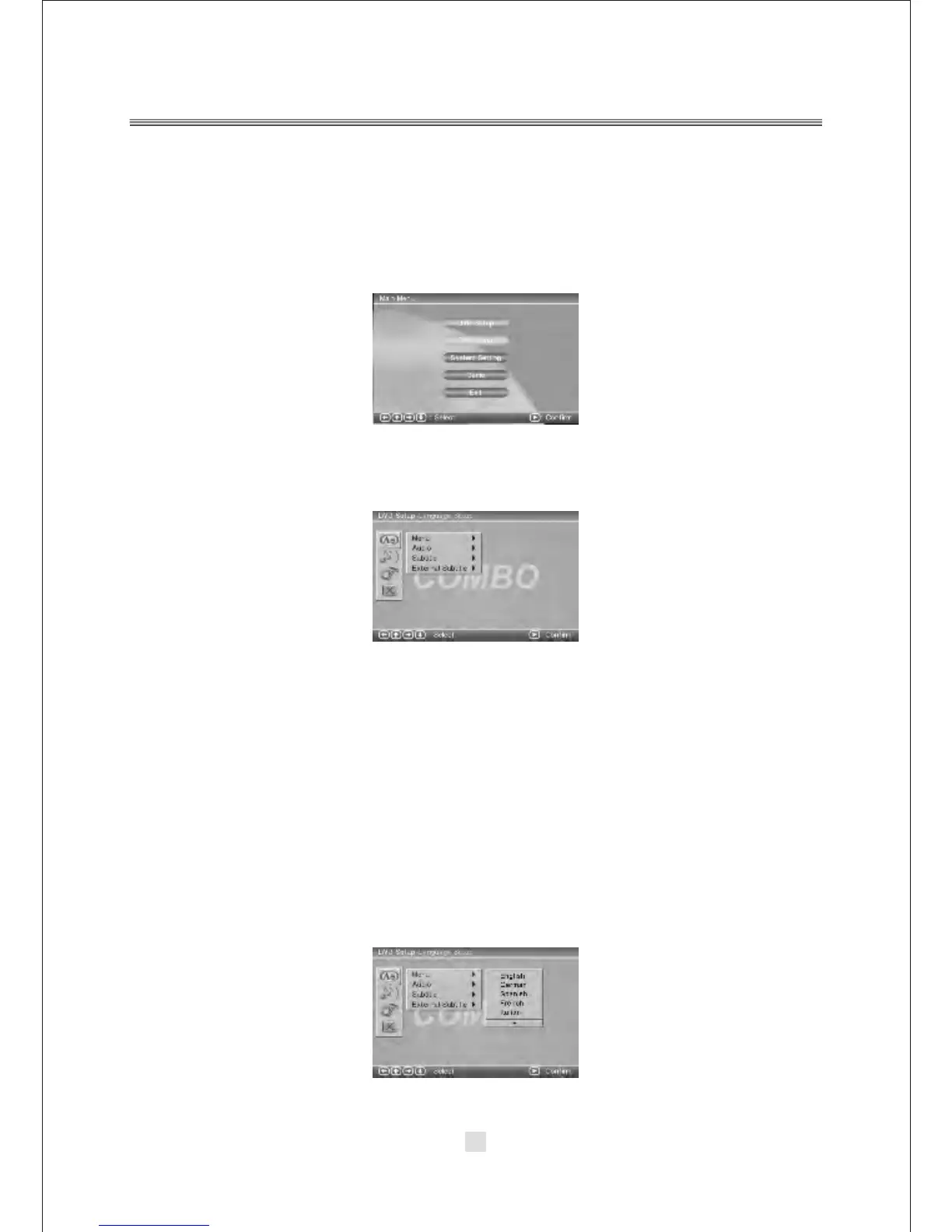
In the DVD mode, Press the <STOP> button or open mode, Then press <setup>
button, the DVD main setup menu appears.
A. DVD Setup-language Setup
Press the Up and Down button move on the DVD setup and to enter.
the DVD Setup-lanuage Setup option appear the screen.
In the DVD Setup-language Setup, you can setup the Menu, Audio, Subtitle, External
subtitle Press the <UP>, <DOWN> and <LEFT>, <RIGHT> arrow buttons to highlight
the icon of the desired page, then press the <DOWN >or <RIGHT> arrow button to
activate that page. For example, if you want to setup the audio setup, press <DOWN>
button to highlight the Audio Option, the Audio setup page will be displayed on the
screen.
1). MENU
Notes:
If your preferred language is not availabel, the disc s default language
will be played.
Highlight the MENU option, and press the Arrow buttons to choose the menu
language you prefer. Press <ENTER> to confirm. If the disc you are playing has that
Language availabel. It will display the menu in the language.
21



 To Next Page