22
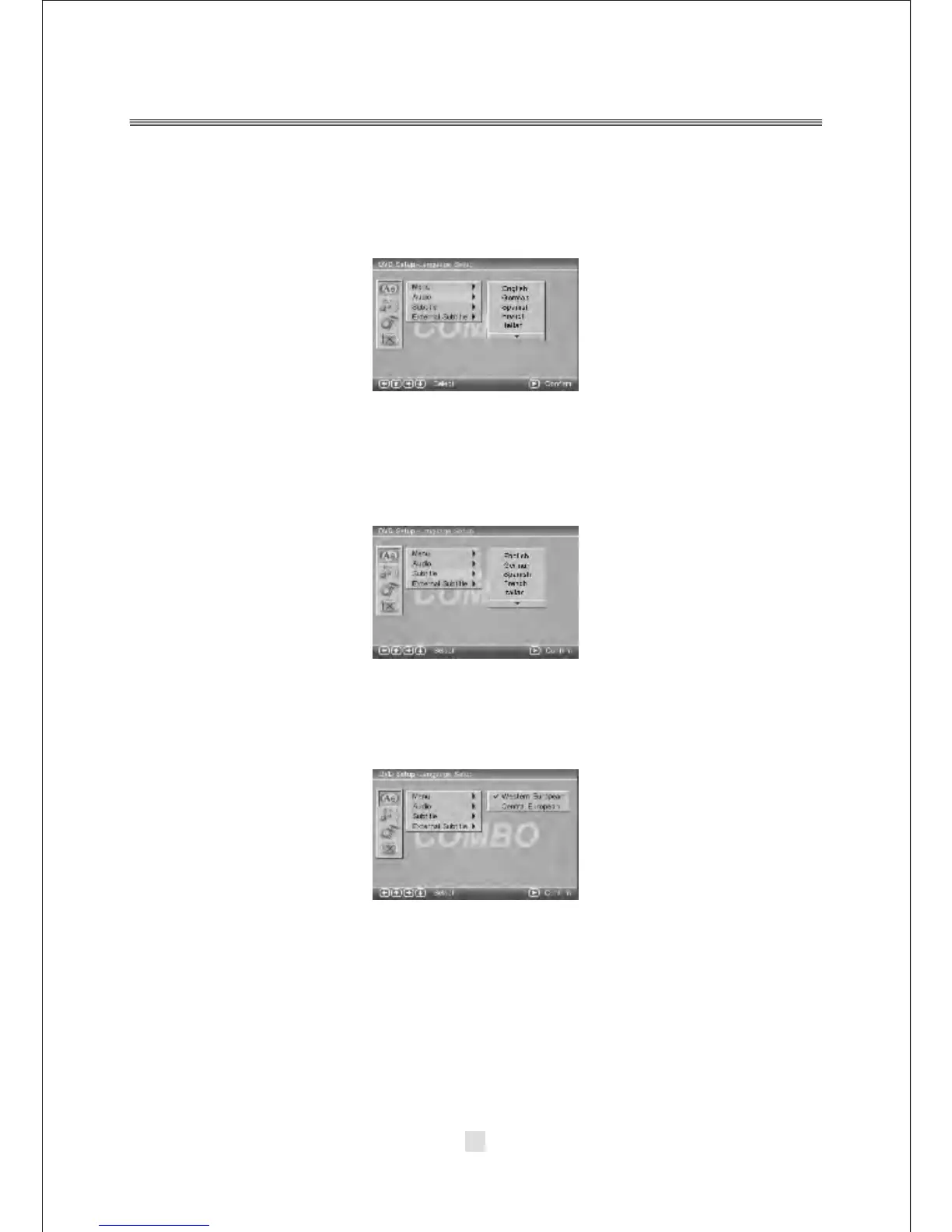
2). AUDIO
Highlight the AUDIO option, and press the Arrow buttons to choose the audio
language you prefer. Press <ENTER> to confirm. If the disc you are playing has that
language available, it will output the language.
3). SUBTITLE
4). EXTERNAL SUBTITLE
Highlight the SUBTITLE option, and press the Arrow buttons to choose the subtitle
language you prefer. Press <ENTER> to confirm. If the disc you are playing has that
language available, it will display subtitles in that language.
Highlight the EXTERNAL SUBTITLE option, and press the Arrow buttons to choose
the supported subtitle language when playing MPEG4 format discs.



 To Next Page