23
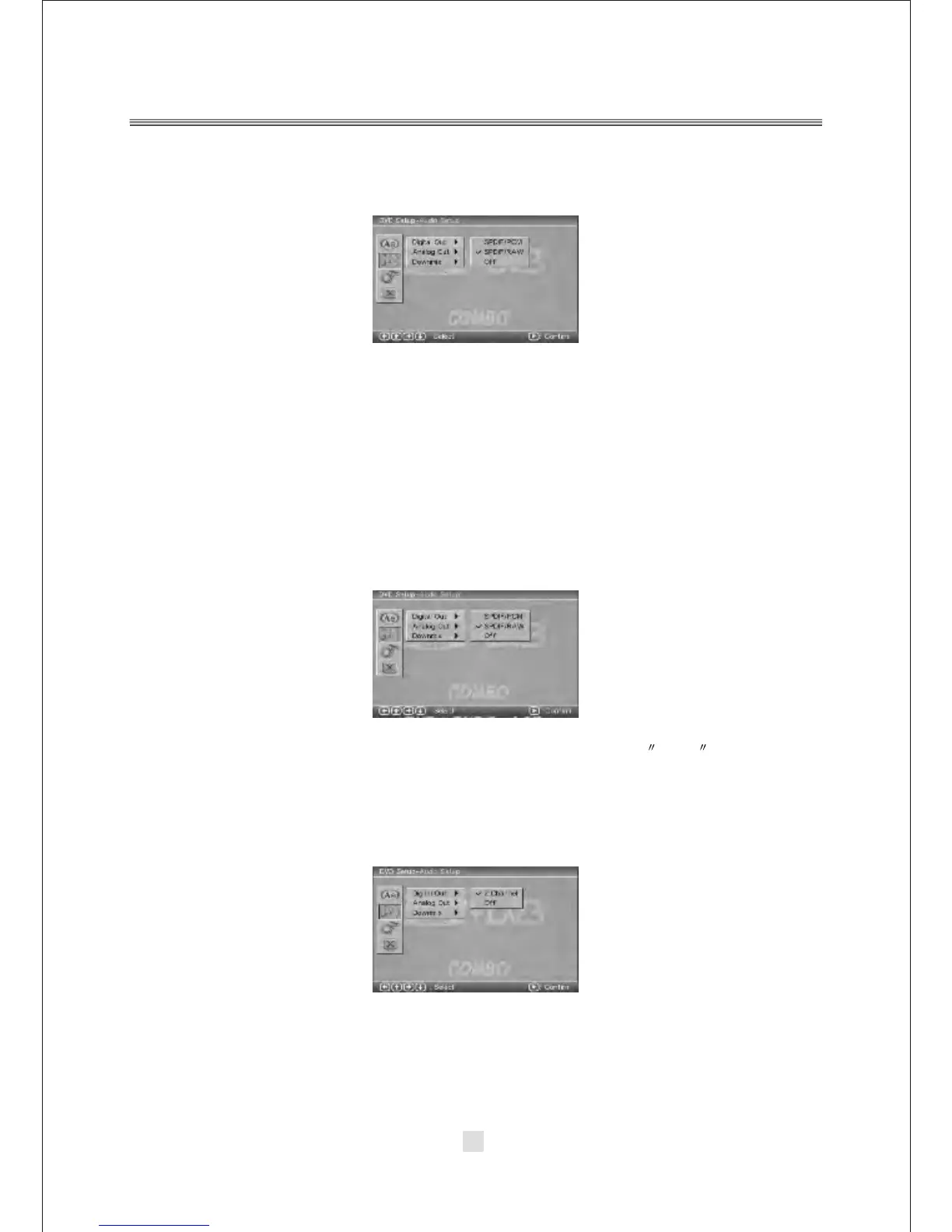
B. DVD Setup-Audio Setup
Press <DOWN> arrow button to highlight the Audio Setup option on the screen
In the DVD setup-Audio Setup ,you can setup the Digital Out, Analog Out, Downmix,
Center, Rear. Press <UP>, <DOWN> and <LEFT>, <RIGHT> arrow buttons to
highlight the icon of the desired page, then press the <DOWN> or <RIGHT> arrow
button to activate that page. For example, if you want to setup the Rear setup,
press <DOWN> button to highlight the Rear Option, the Rear setup page will be
displayed on the screen.
1).DIGITAL OUT
Notes:
When digital output is NOT in use, It is recommended to turn OFF , the digital
output setting for the purpose on minimizing circuit interference.
2). ANALOG OUT
Highlight the DIGITAL OUT option, and press the Arrow buttons to choose the audio
output mode you prefer. Press Enter to confirm. There are 3 optional audio output
modes: SPDIF / RAW, and SPDIF/ PCM, OFF.
Highlight the ANALOG OUT option, and press the Arrow buttons to choose the audio
output mode you prefer. Press <ENTER> to confirm.
NOTE: If you choose OFF , cut off analog audio output.



 To Next Page