24
3). DOWNMIX
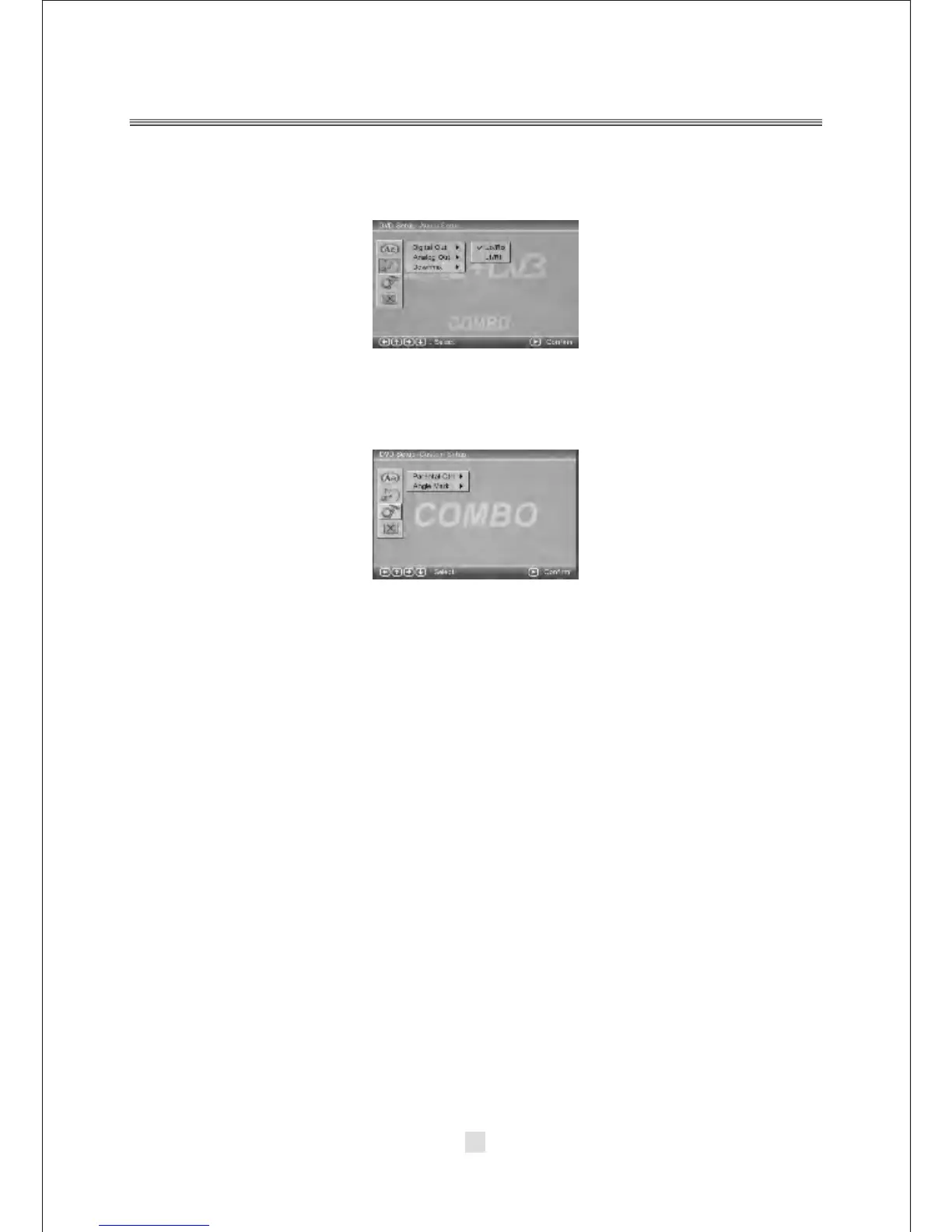
C. DVD Setup-Custom Setup
Press the <Down> arrow button to highlight the Custom Setup option on the screen
In the DVD setup-Custom Setup ,you can setup the Parental Ctrl, Angle Mark.
Press the <UP>, <DOWN> and <LEFT>, <RIGHT> arrow buttons to highlight the
icon of the desired page, then press the <DOWN> or <RIGHT> arrow button to
activate that page. For example, if you want to setup the Angle Mark setup,
press <DOWN> button to highlight the Angel Mark Option, the Angel Mark setup page
will be displayed on the screen.
There are two modes, one is LO/RO, one is LT/RT.



 To Next Page