25
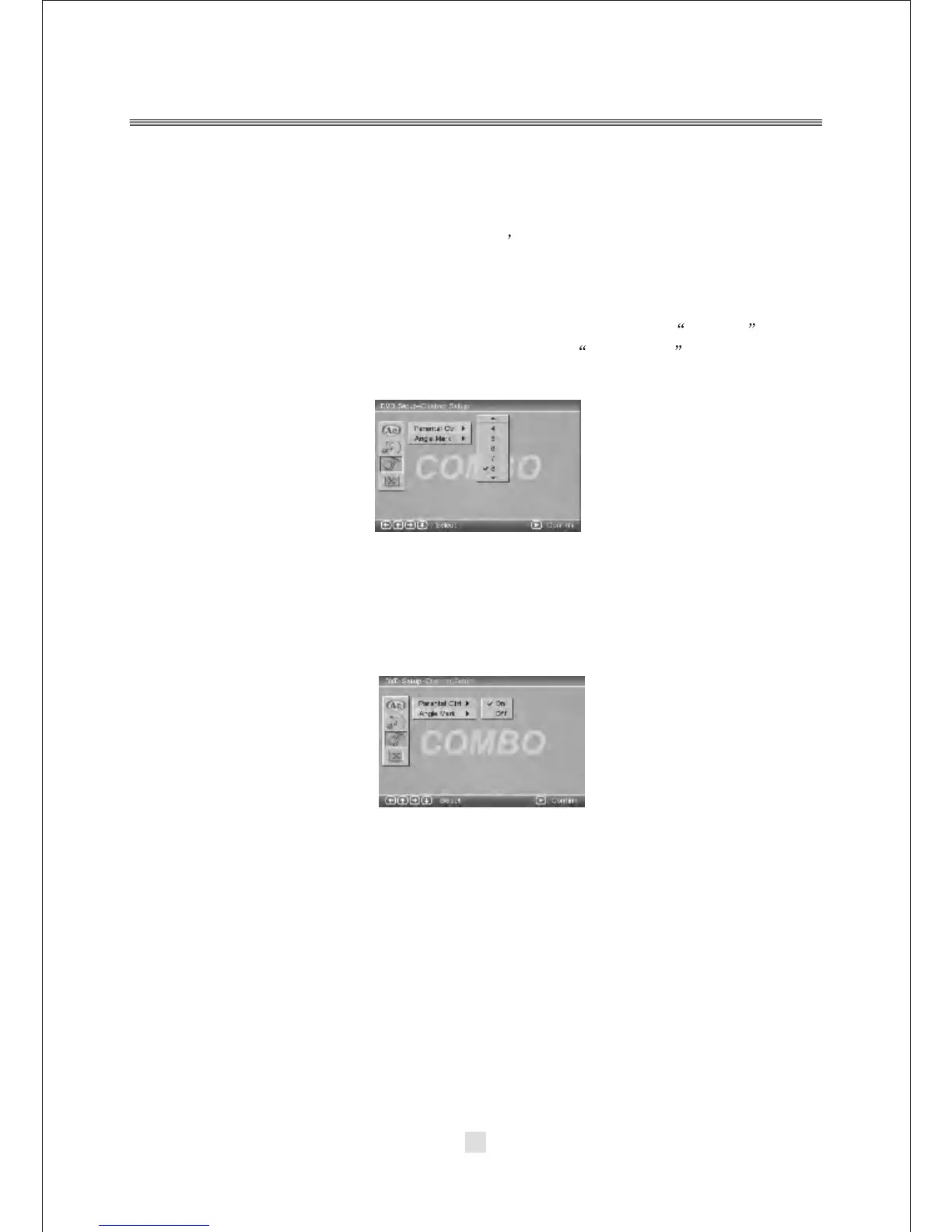
1). PARENTAL CTRL
Parental Ctrl:1,2:G,3:G,4:PG13,5,6:R,7:NC17,8 the eight levels. The first level discs
are open to people of ever age and eight level only suitable for the adult. If you want to
change the parental ctrl setting, enter the user s a ge c ontrol i tem a nd t hen e nter f our
digital password. The default password is 6666 (if you are using this player for the
first time, just input this code).If the input code has been confirmed, the level setting
up menu will appear. Move the cursor to choose the expected level and press
<ENTER> button to confirm and memory it. Move the cursor to the ENTER and
press <ENTER> button to confirm and withdraw to the user setup menu or press
<ENTER> button to directly with draw from the operation.
2).ANGLE MARK
There are On and Off the two choices for this item. If in the ON mode, when play
a disc which the content is multi-angle shot, you may press the <ANGLE> button
on the remote control to enjoy the scene in different angles.



 To Next Page