The setup menu system---DVB PART
34
1. First Time Installation
After all the connections have been made properly, switch on your TV. Make sure the
receiver is connected to the mains and press <POWER> to switch the receiver on.
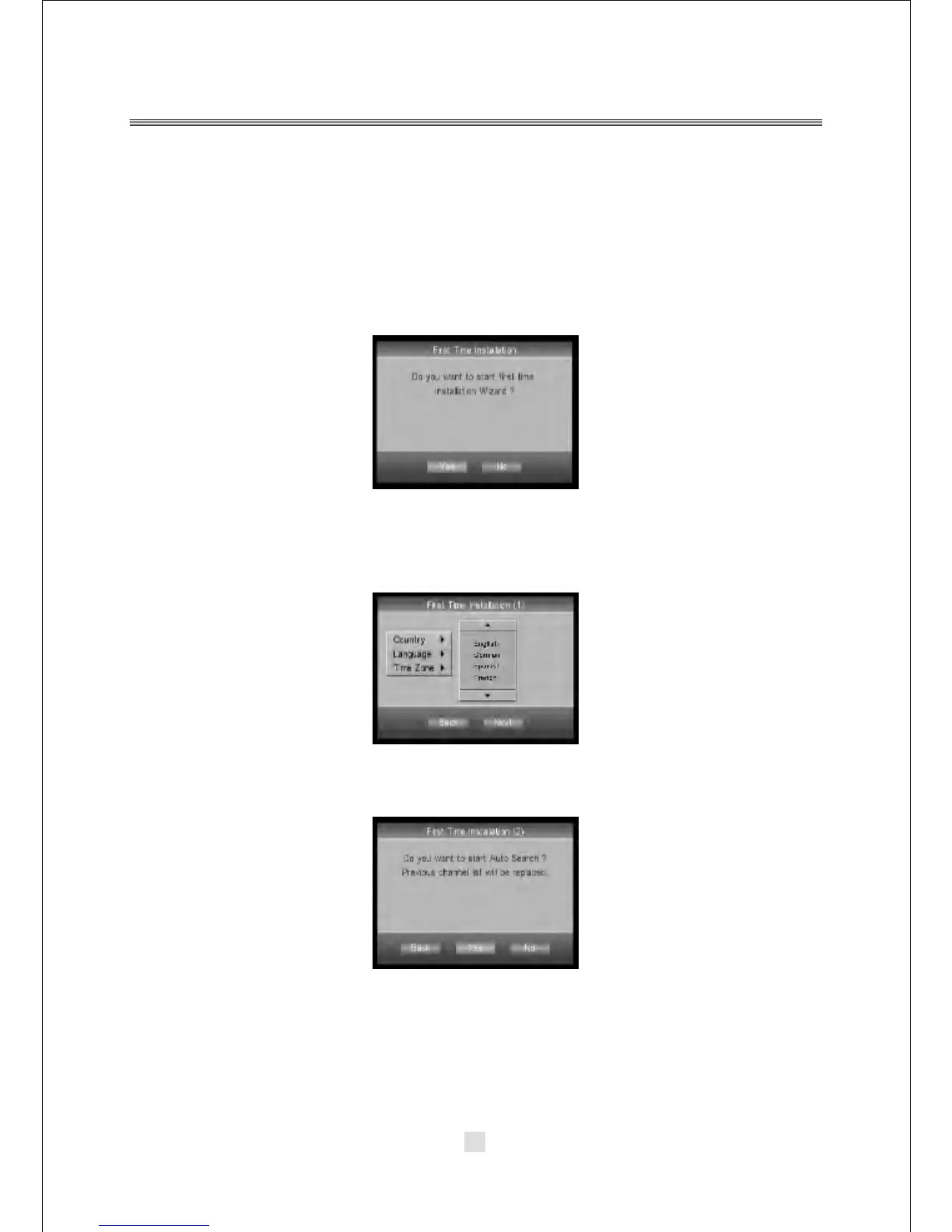
If you are using the receiver for the first time, a First Time Installation menu will be
displayed to guide you through the initial setup. Use the remote controller to finish
the setup.
A. At the First time installation menu, select YES and press <ENTER> button on
the remote controller to proceed.
B. Enter your regional settings, include your Country, Language, Time Zone .
Then select <NEXT> to proceed.
C. Select Yes to start the automatic channel search.
Do you want to start first time
Installation Wizard?



 To Next Page