26
Q2 Q3
Q4
Q1/2
Q1/3 Q1/4
QOFF
IMAGE ROTATION
Press the DIRECTION button ( )to rotation the image as you prefer.
Kodak picture CD Playback
You can set sideshow transition modes for any pictures.
Press PAUSE to stop playing.
Press or to see the previous or next picture.
Press PLAY to continue sideshow transitions.
Press STOP to return to root menu.
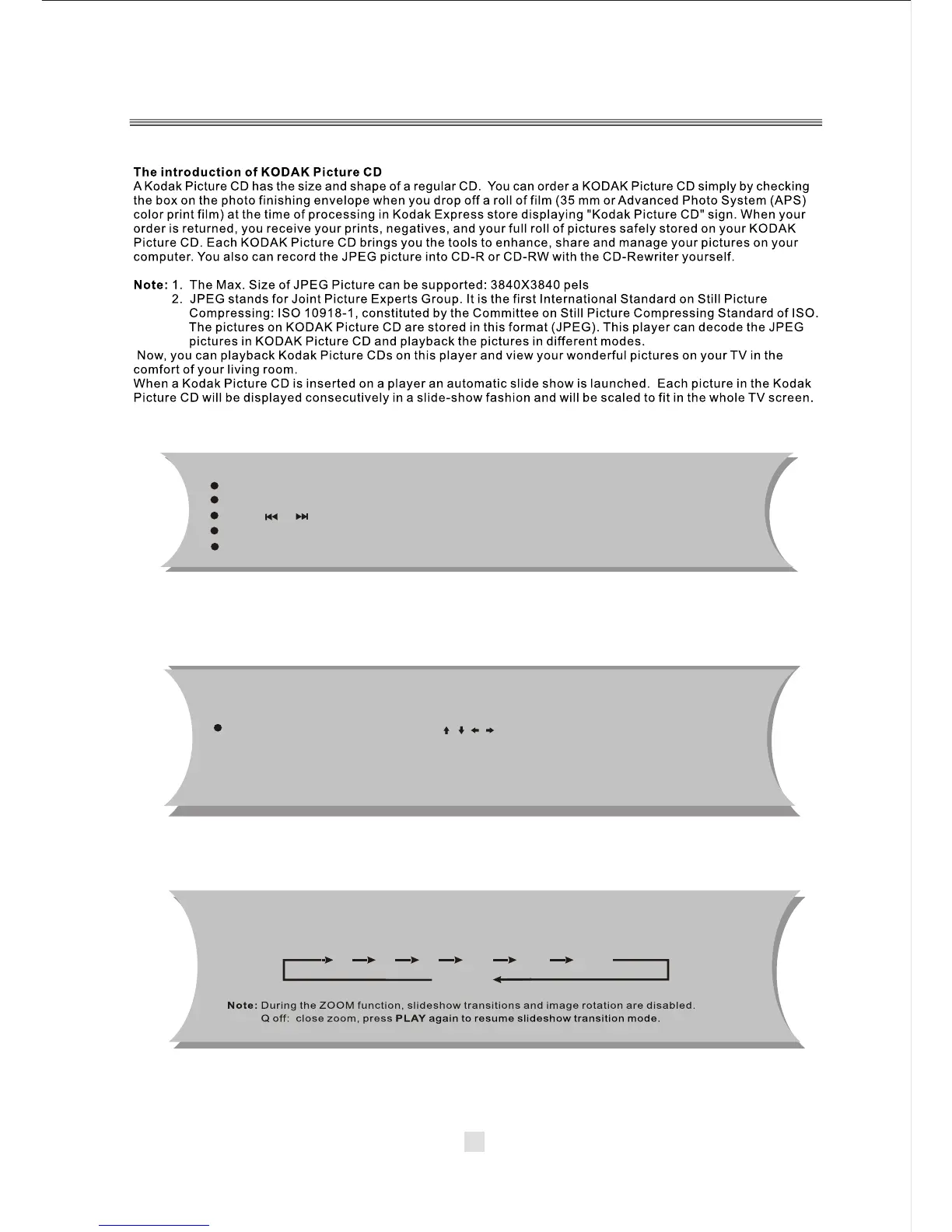
General function:
Zoom function:
This player provides both Zoom in /out and Zoom pan function. Press the ZOOM
consecutively, the picture will zoom in/out in turn as followings:
33



 To Next Page