26
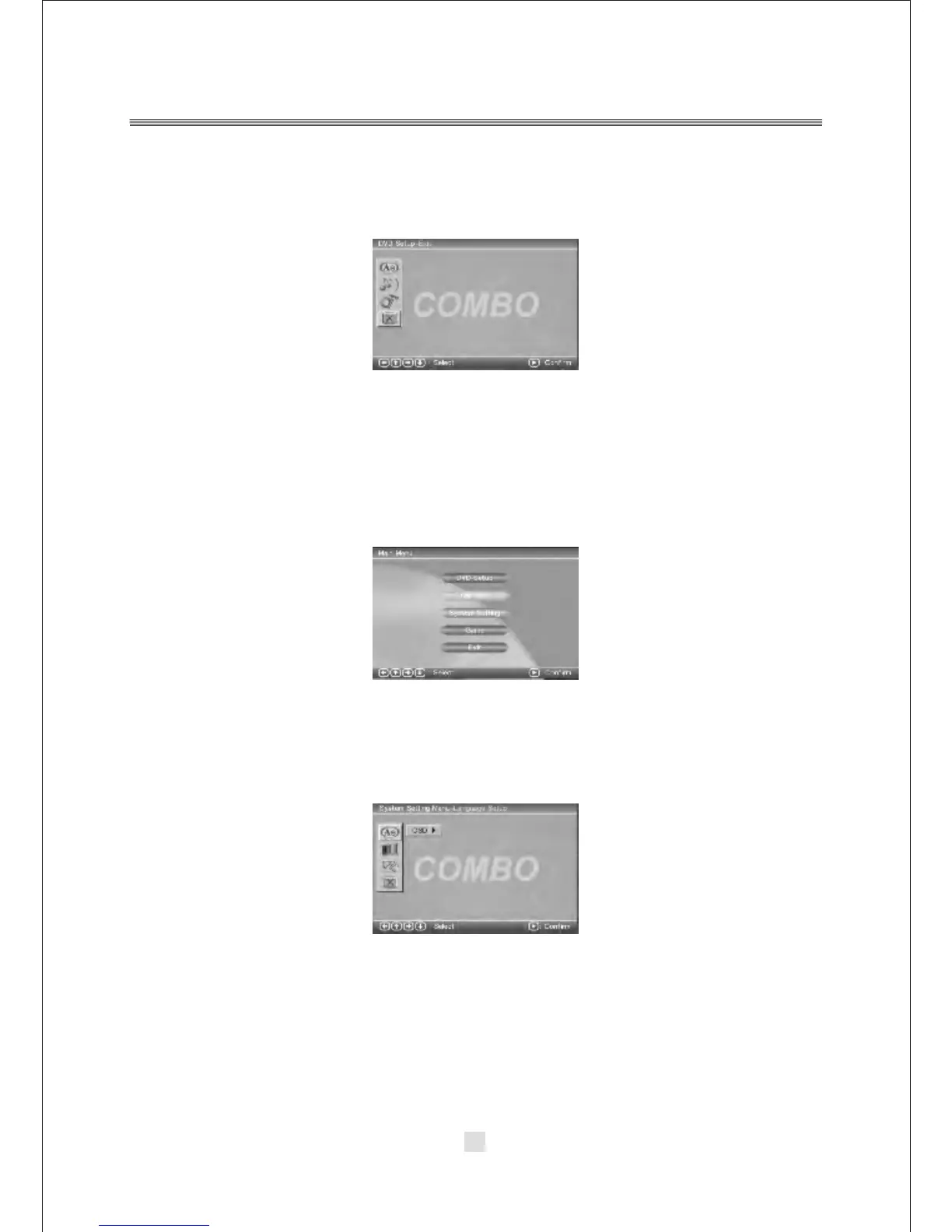
D. DVD Setup-Exit
Press the <DOWN> arrow button to highlight the <EXIT> option on the screen
In the DVD Setup-Exit ,Choose the Exit option to return the DVD main Setup.
2. DVD Mode of System Setting
Press the <SETUP> button, the DVD main setup menu appears the screen,
then press the <DOWN> button to highlight the system setting option.
A. System Setting Menu-language Setup
Press the <UP> and <DOWN> button move on the System setting and to enter
button. the System setting Menu-lanuage Setup option appear the screen.
In the System setting Menu-language Setup, you can setup the OSD option.



 To Next Page