27
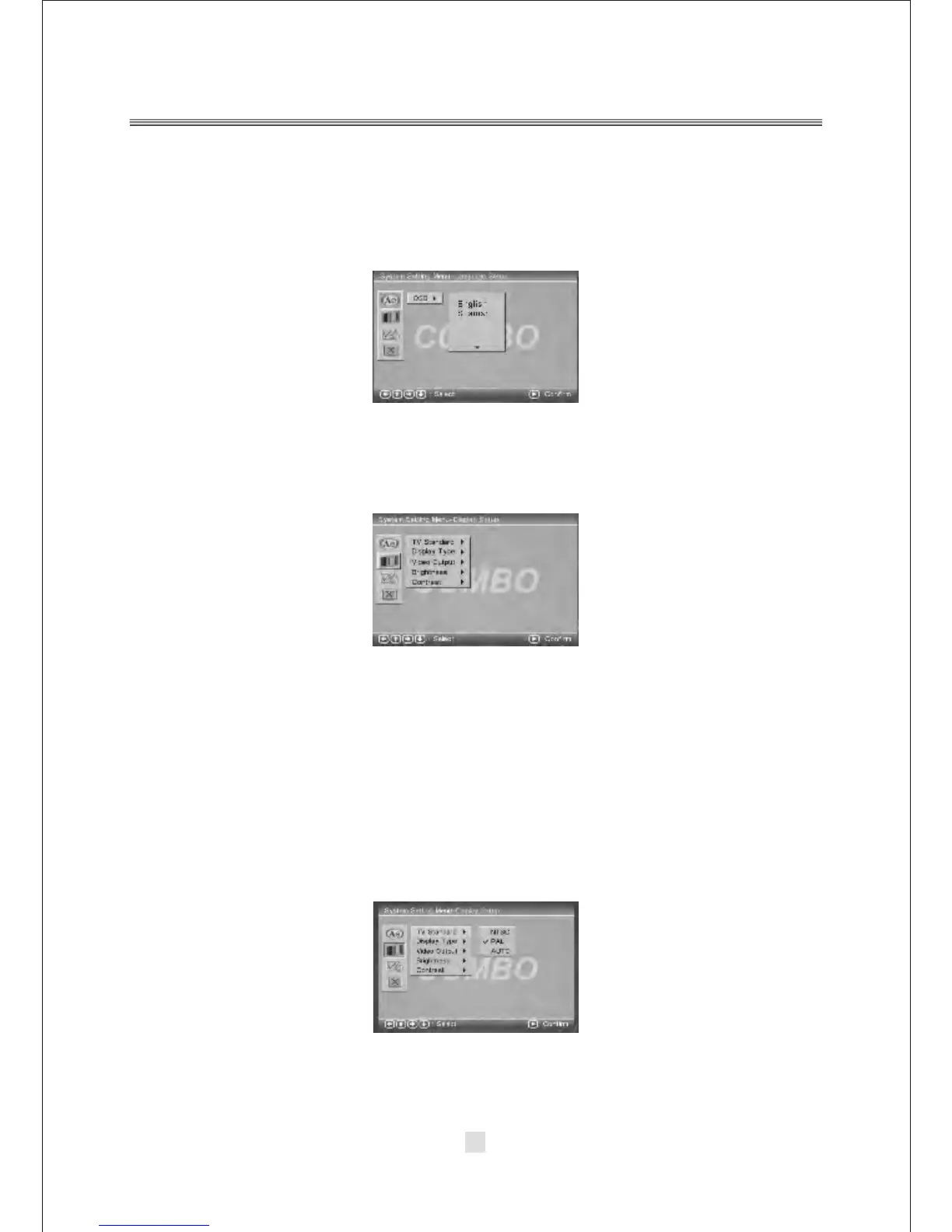
1. OSD LANGUAGE
Highlight the OSD LANGUAGE option, and press the Arrow buttons to choose the
OSD language you prefer. Press <ENTER> to confirm, and it will display OSD in that
language.
B. System setting Menu-Display Setup
Press the <DOWN> arrow button to highlight the Setup option on the screen
In the System Setting Menu-Display Setup ,you can setup the TV Standard, Display
Type, Video Output, Brightness, Contrast option. Press the <UP>, <DOWN> and
<LEFT>, <RIGHT> arrow buttons to highlight the icon of the desired page, then
press the <DOWN> or <RIGHT> arrow button to activate that page. For example,
if you want to setup the Contrast setup, press <DOWN> button to highlight the
Contrast Option, the Contrast setup page will be displayed on the screen.
1). TV Standard
According to the Color System of the TV, you can choose the TV Standard.



 To Next Page